Если учебный центр указал электронную почту ученика при добавлении его в систему, приглашение для активации личного кабинета отправляется на этот адрес. Через личный кабинет ученик может просматривать расписание, посещения, абонементы и другую информацию об обучении в мобильном приложении Umai CRM.
Receiving the invitation
The invitation is sent to the email address that the student or their representative provided to the training center.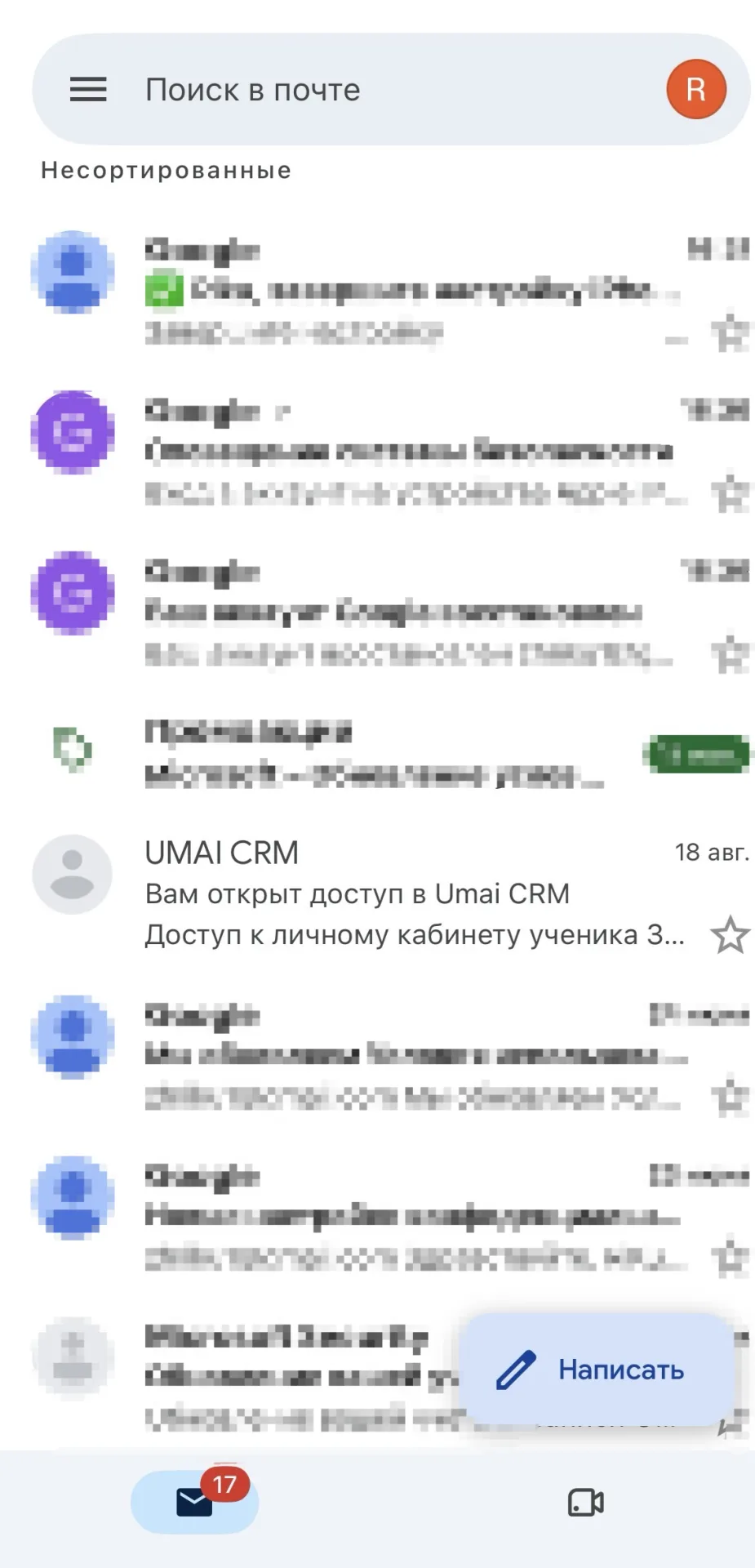
Setting a password
The email contains a button “Установить пароль и войти”.
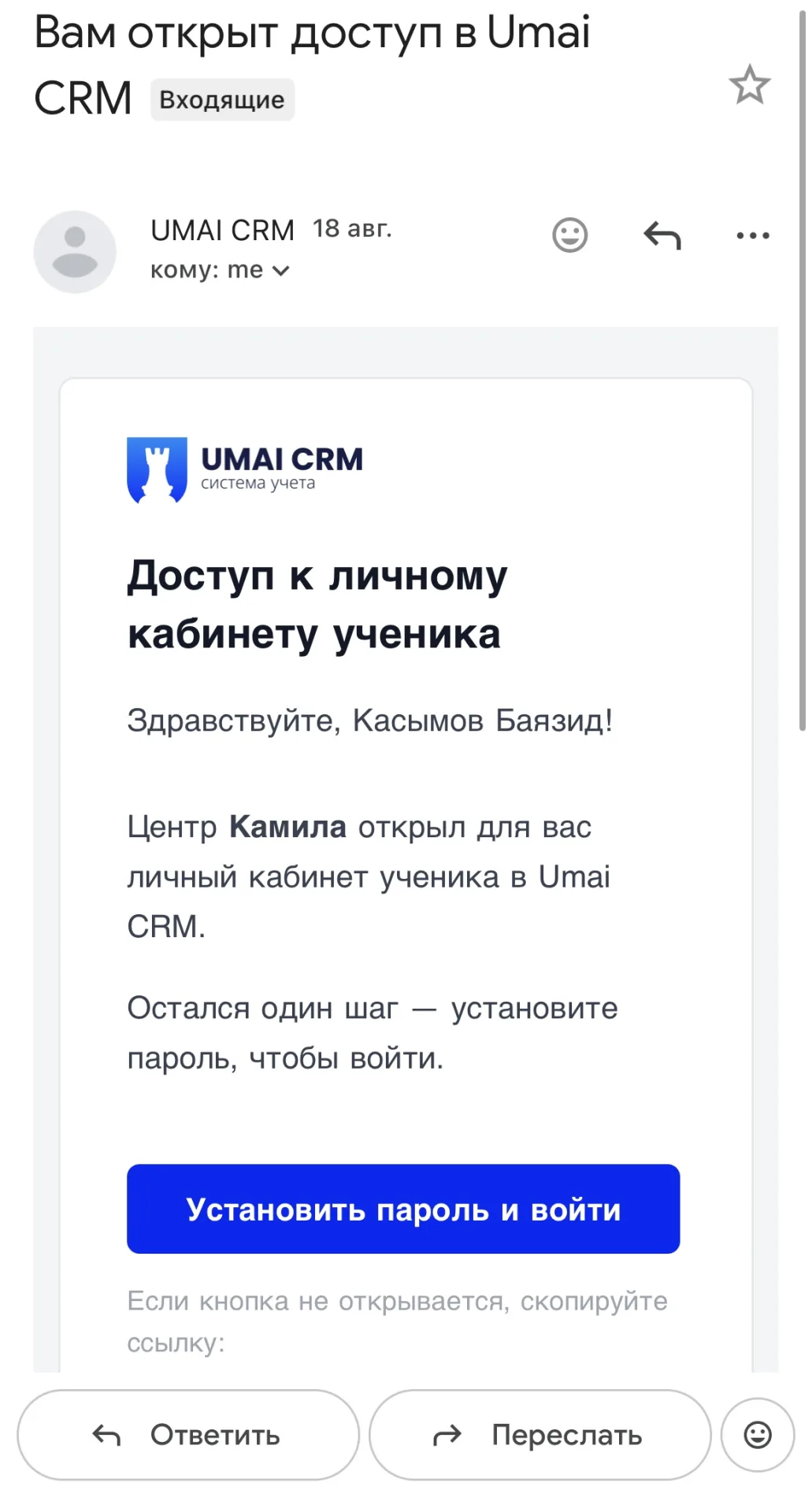
After following it, a page will open with fields for email, a new password, and password confirmation. The password must be at least 6 characters long and include letters and numbers.
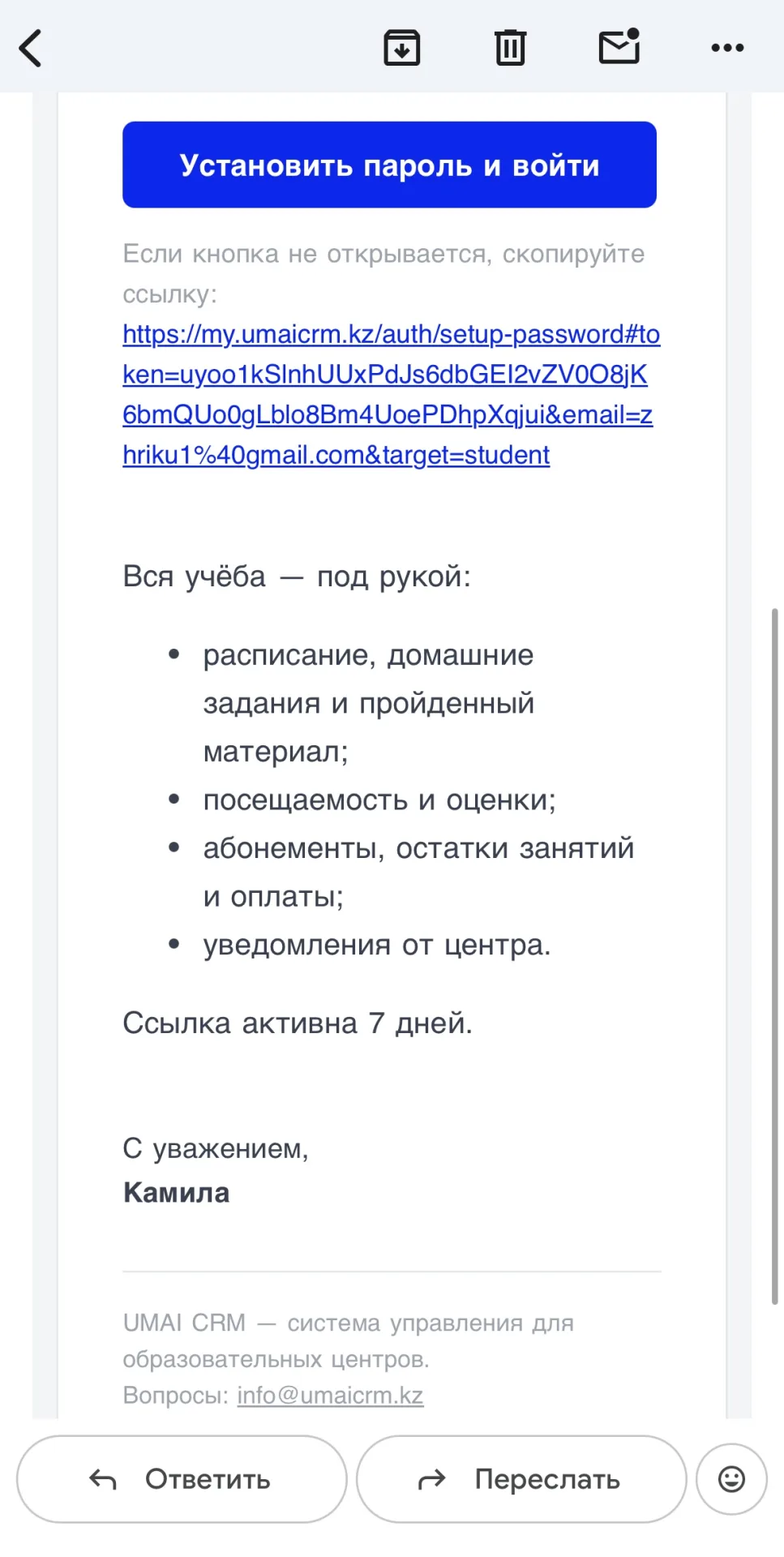
If the button does not open, a link is provided below it. You can copy the link and paste it into the browser address bar.
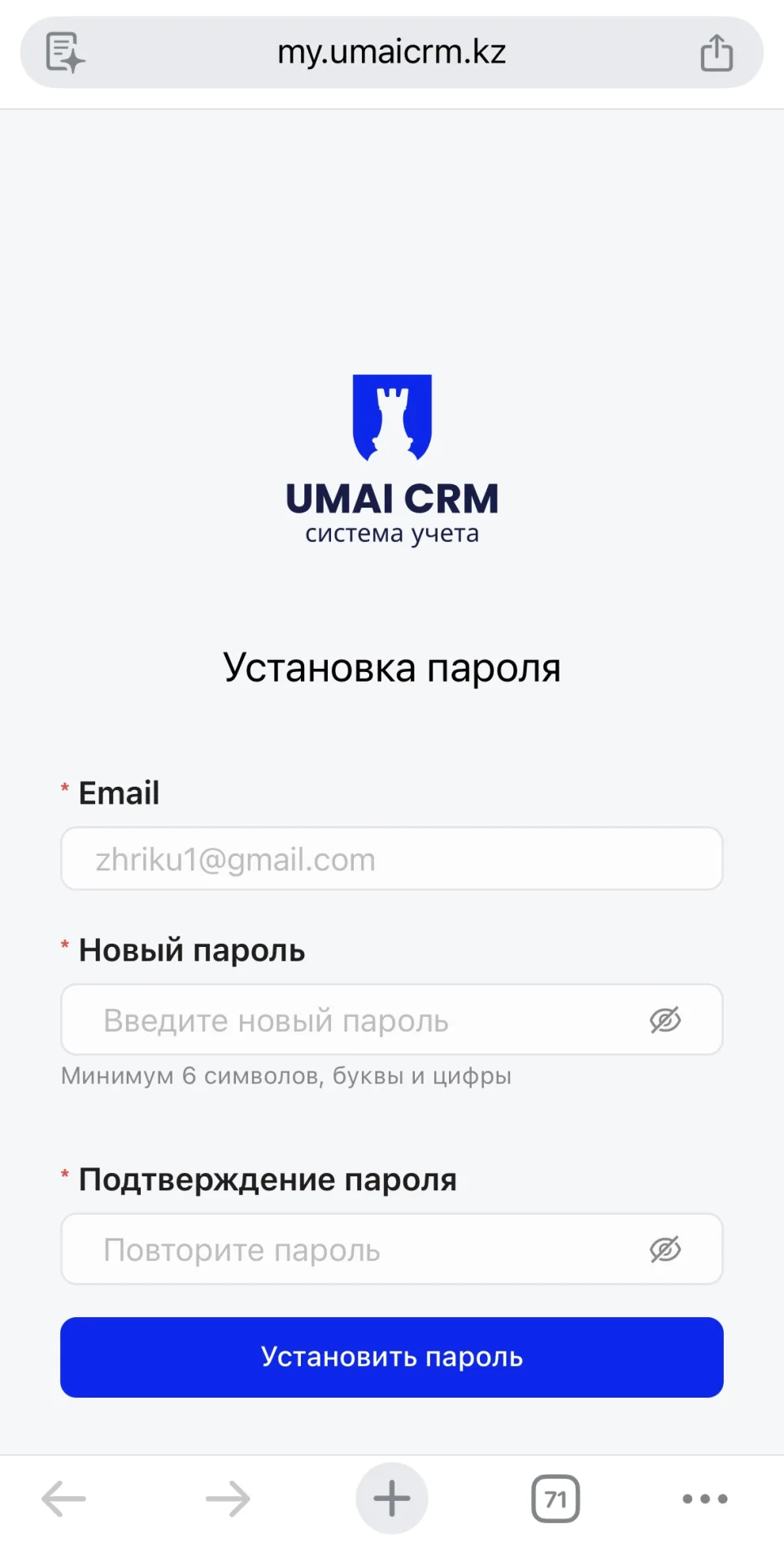
After filling in all the fields, click “Установить пароль”. Once the password is saved, the student will be able to log in to the personal account via the mobile app.
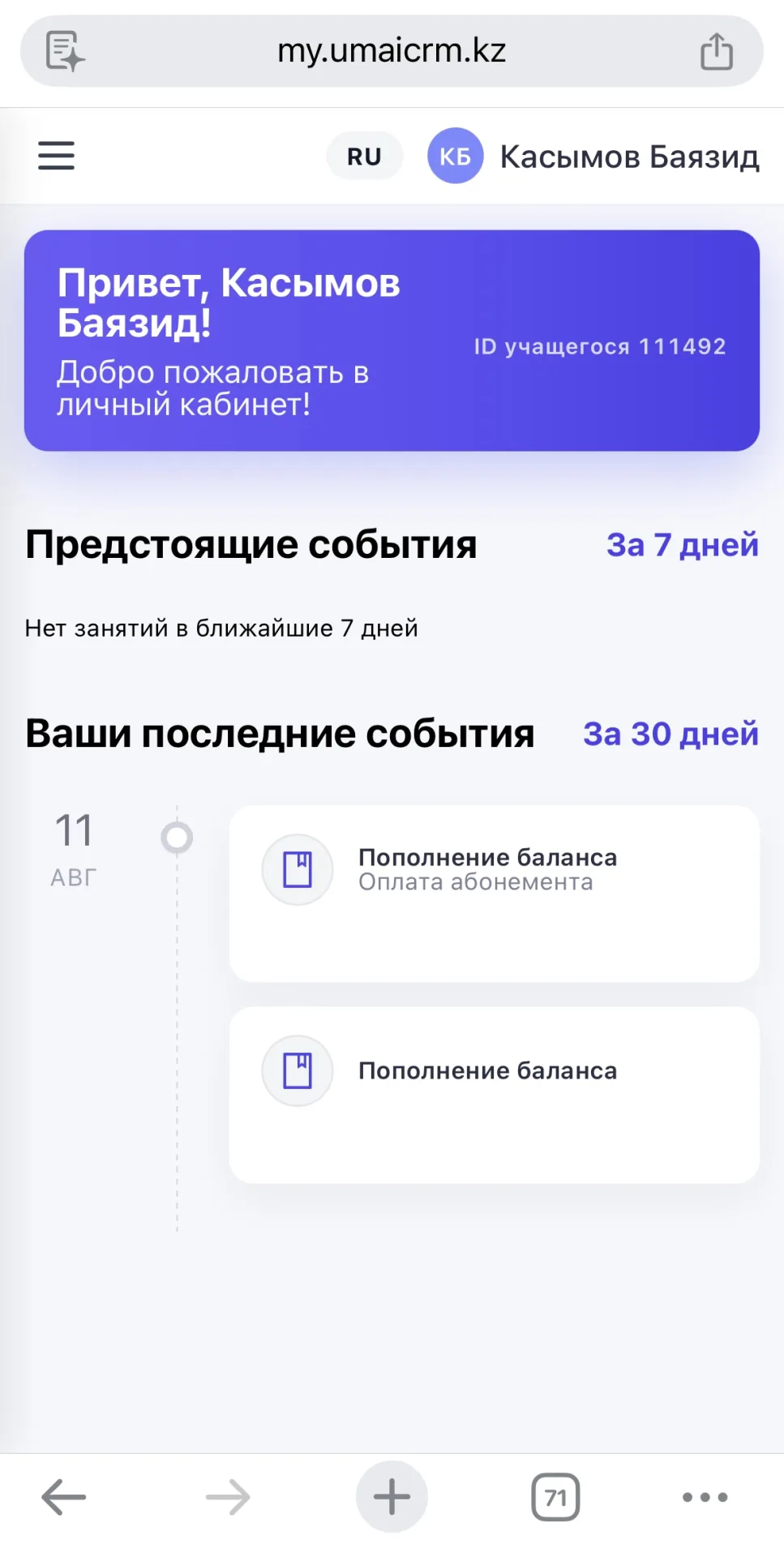
Logging into the personal account
The student's personal account is available in the Umai CRM mobile app.
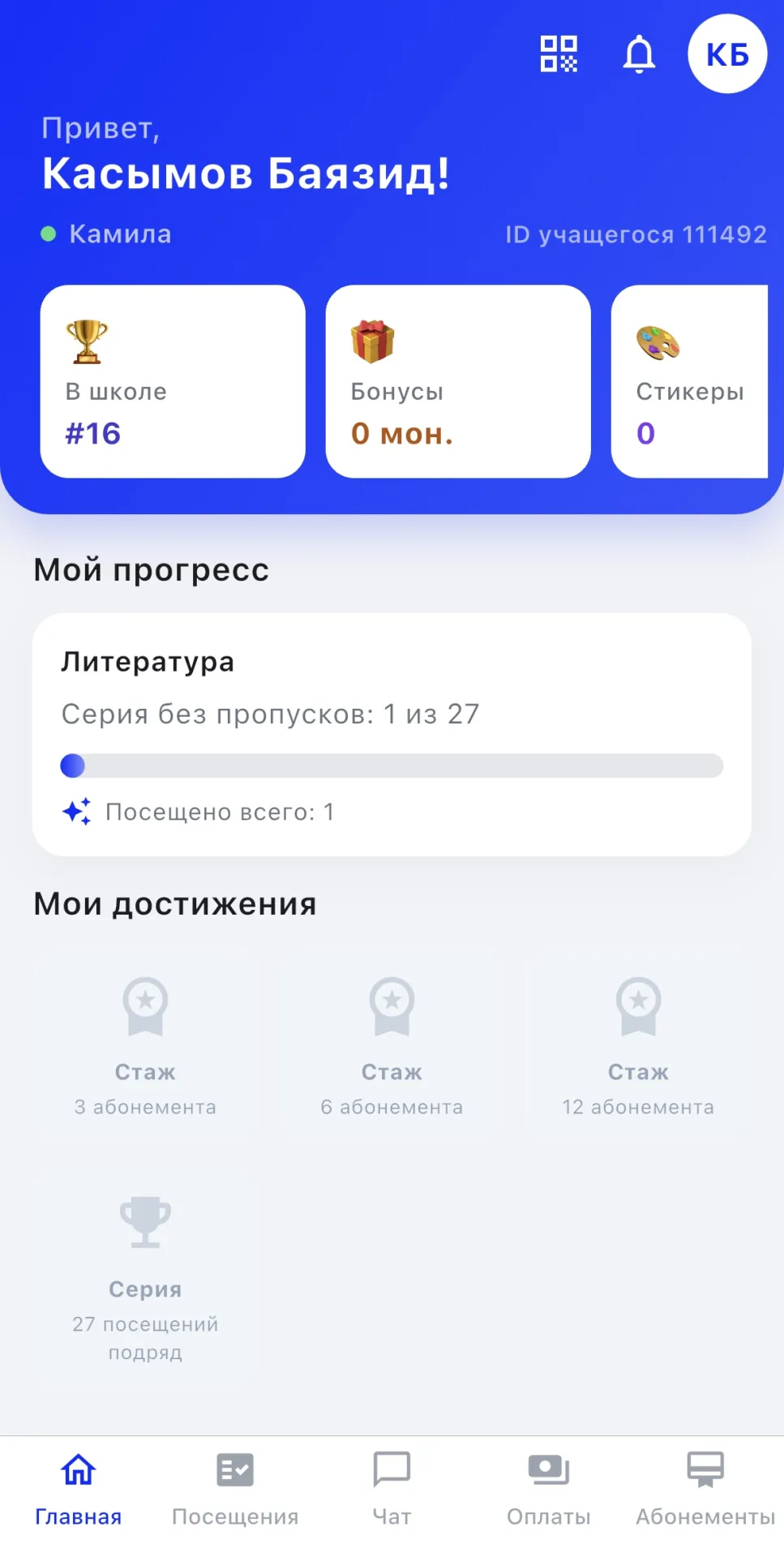
The app can be downloaded from the following links:
- iOS — https://apps.apple.com/kz/app/umai-crm/id6758760225
- Android — https://play.google.com/store/apps/details?id=client.umaicrm.app
To log in to the app, use the email address to which the invitation was sent as the login, and the password set in the previous step as the password.
Important to note:
- The invitation is sent only if the training center provided the student's email when registering them in the system.
- The link in the email is valid for 7 days from the time it was sent, so it is recommended to activate the personal account within this period.
- The student sets the personal account password themselves during their first visit to the link in the email, and then uses it to log in to the app.