Registration via WhatsApp Link
The invitation is sent to WhatsApp to the phone number listed in the Student card and contains a link for registration. The link is valid for 7 days from the time it is sent.
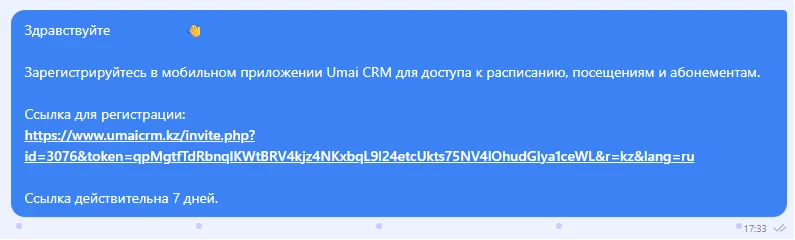
The link opens the registration page. The button "Get code in WhatsApp" sends a six-digit confirmation code to that number.
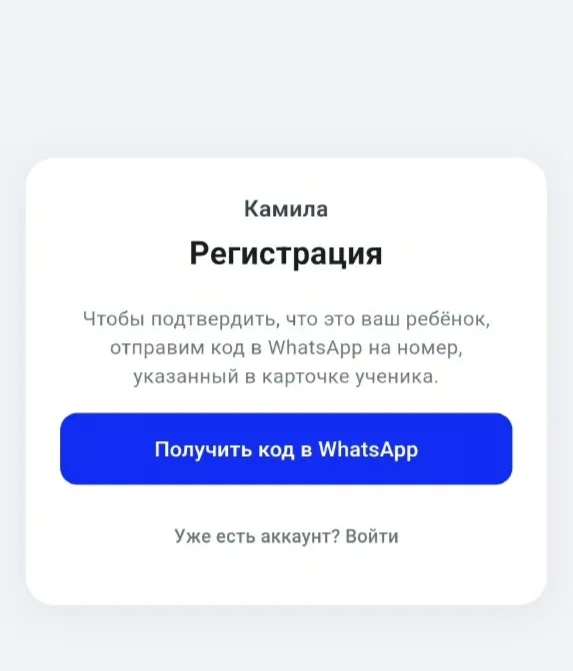
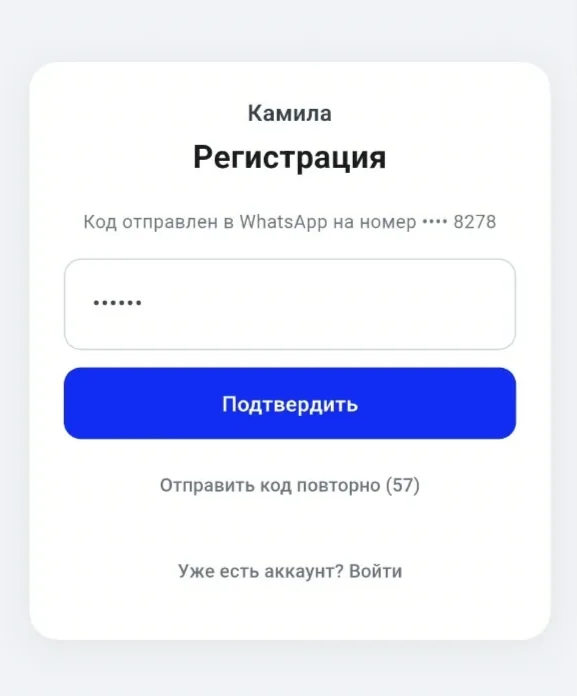
The code is valid for 10 minutes.

Enter the code and click "Confirm".
A form will open with the student's last name, first name, patronymic, and date of birth.
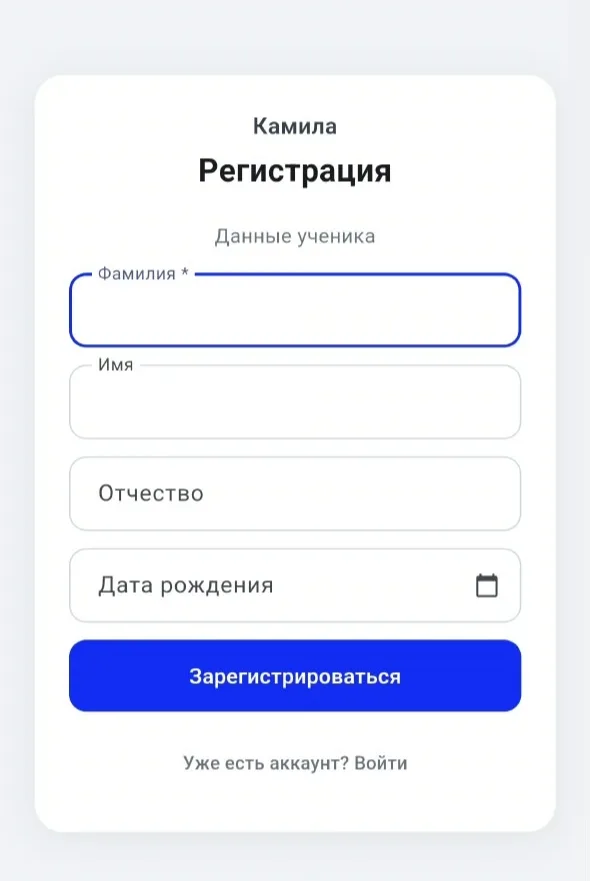
If necessary, you can add or correct the data. To complete the registration click "Register".
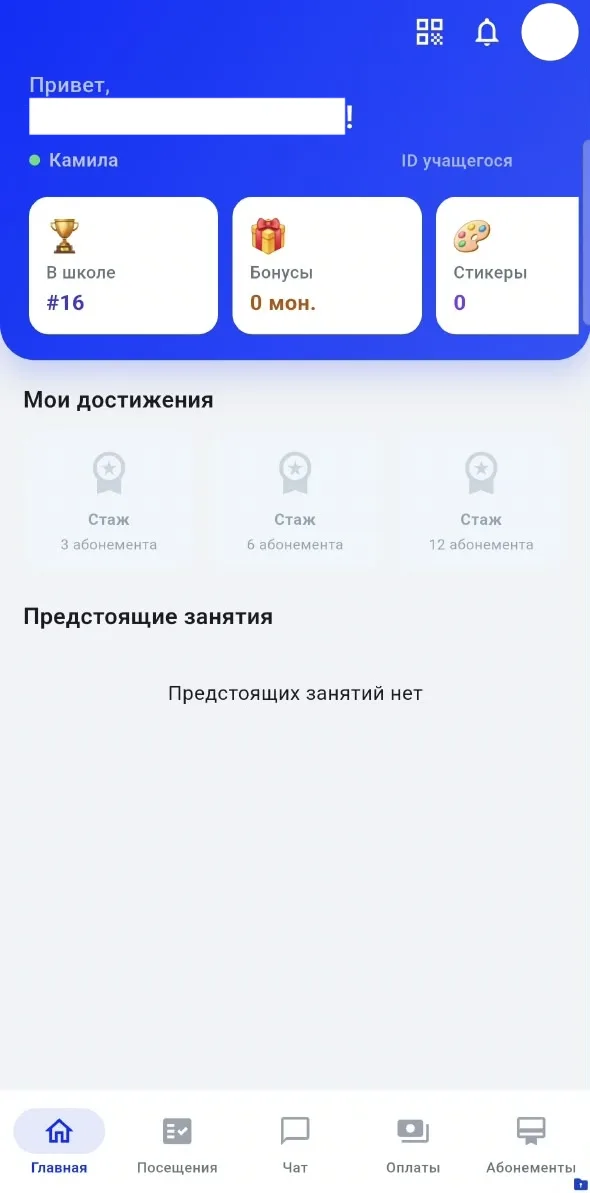
The personal account will open automatically.
Logging in to the Mobile App
For regular use of the personal account, use the Umai CRM mobile app for Students. You can download it from the links below:- iOS: https://apps.apple.com/kz/app/umai-crm/id6758760225
- Android: https://play.google.com/store/apps/details?id=client.umaicrm.app
In the app on the login page, press "Log in by phone number", enter the phone number from the Student card and make sure the server "Kazakhstan" is selected. After pressing the button to receive the code, a six-digit code is sent to that number in WhatsApp, which you must enter and then press "Log in".
If multiple Students are linked to the same phone number, after entering the code you will be prompted to select the required profile from the list.
Important to note
- Registration and login by phone number do not require email or password — each login is confirmed by a one-time code sent to WhatsApp.
- The registration link is valid for 7 days from the time it is sent.
- The confirmation code received in WhatsApp is valid for 10 minutes.
- Do not disclose the confirmation code to third parties.
- If multiple Students are linked to the same phone number, you must select the required profile from the list when logging in.