The section is intended for automatic analysis of conversations with clients using AI. It shows the total number of dialogues and their distribution by sentiment: positive, neutral, negative, and problematic.
1. General statistics
Key information for the selected period is displayed at the top:
- Total dialogues — the total number of conversations with clients.
- Problematic dialogues — conversations with identified issues or conflicts.
- Positive — dialogues with a positive sentiment.
- Neutral — conversations without a pronounced sentiment.
- Negative — dialogues with a negative evaluation.
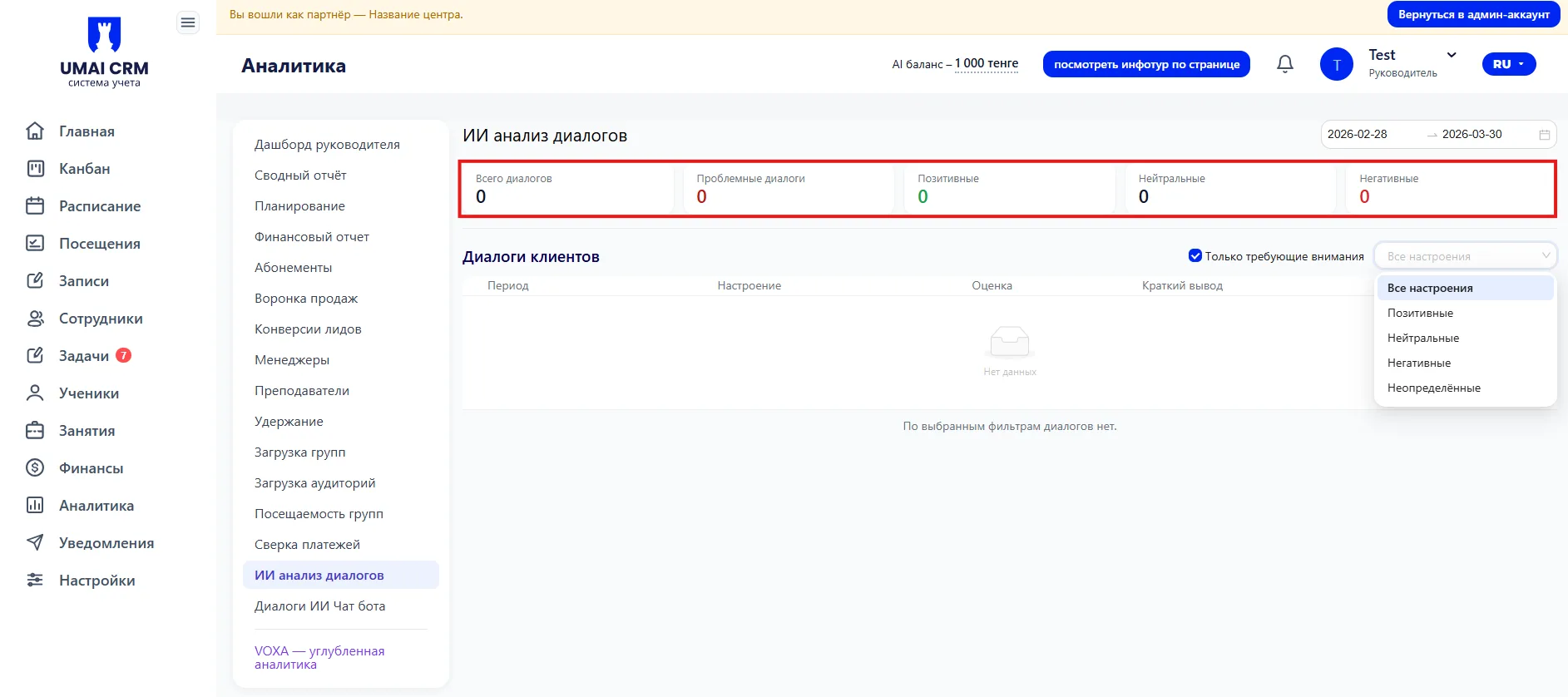
These metrics help quickly assess the quality of communications and identify problematic areas.
2. Filters and period
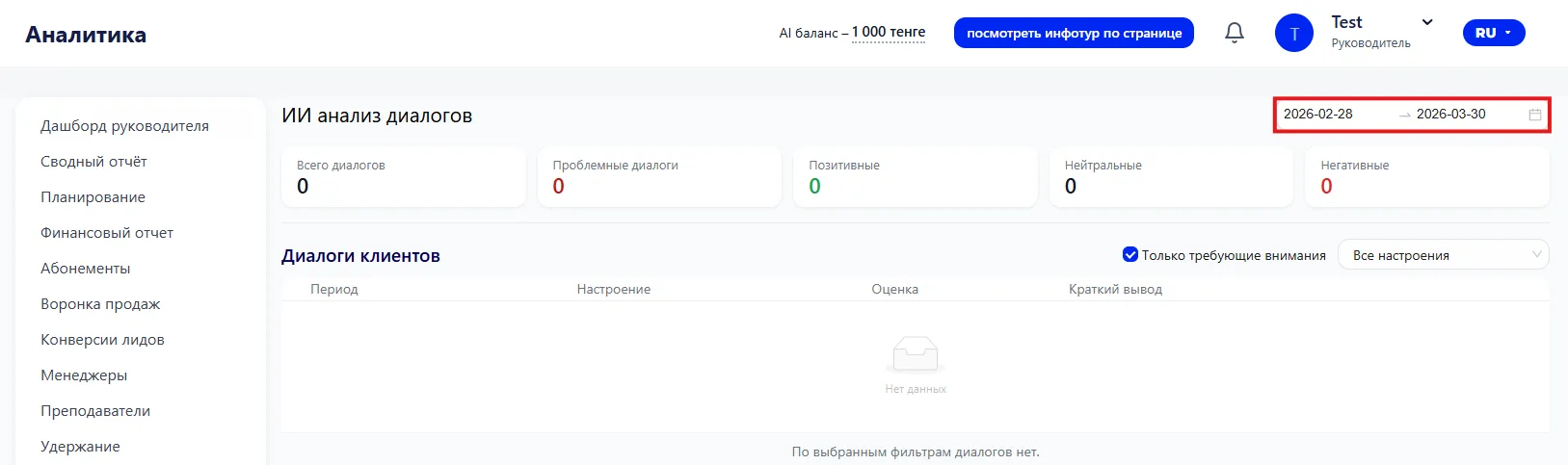
In the upper right corner you can set the analysis period — choose the date range for which you want to view dialogues.
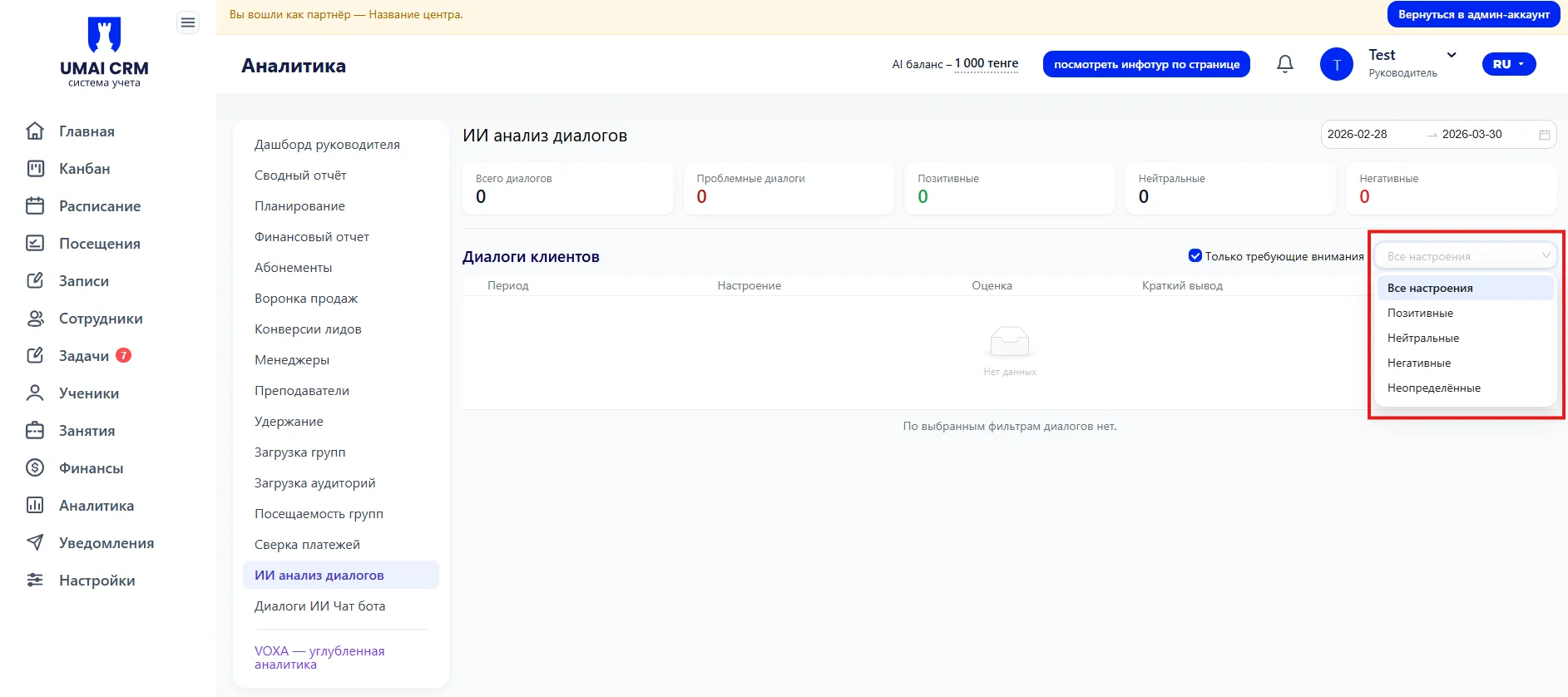
There is also the option to filter dialogues by sentiment using a dropdown list:
- All sentiments;
- Positive;
- Neutral;
- Negative;
- Undefined.
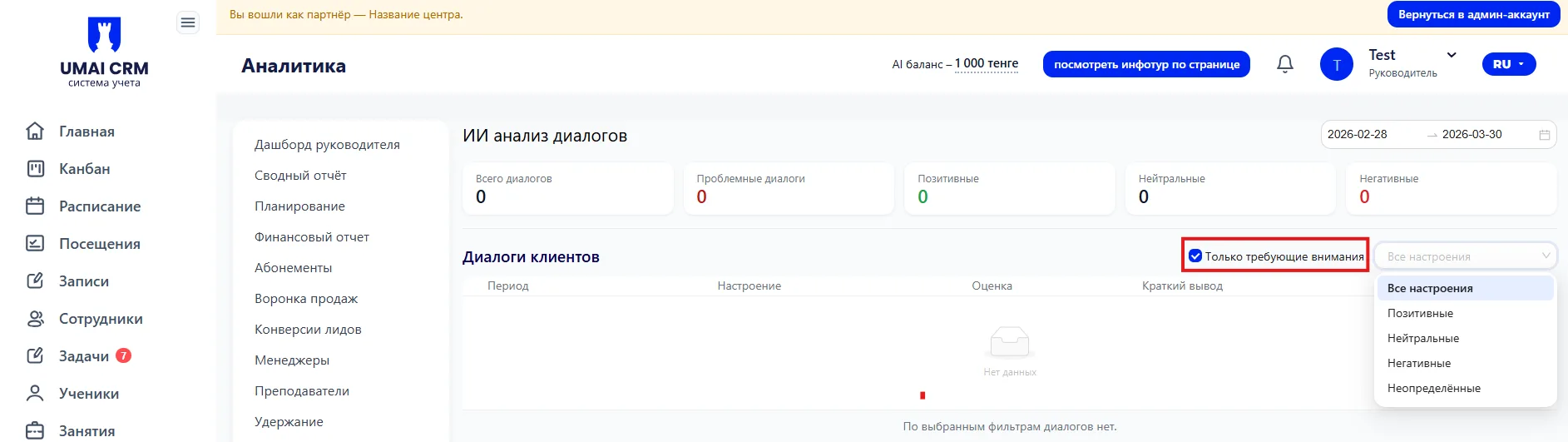
For convenience, you can check the “Only requiring attention” box to show only dialogues that deserve special attention.
3. List of dialogues
Below is a table with detailed information for each dialogue:
- Period — the date and time of the conversation.
- Sentiment — AI evaluation (positive, neutral, negative).
- Score — a numerical or graphical indicator of the dialogue quality.
- Brief summary — a short summary of the content or issues in the conversation.
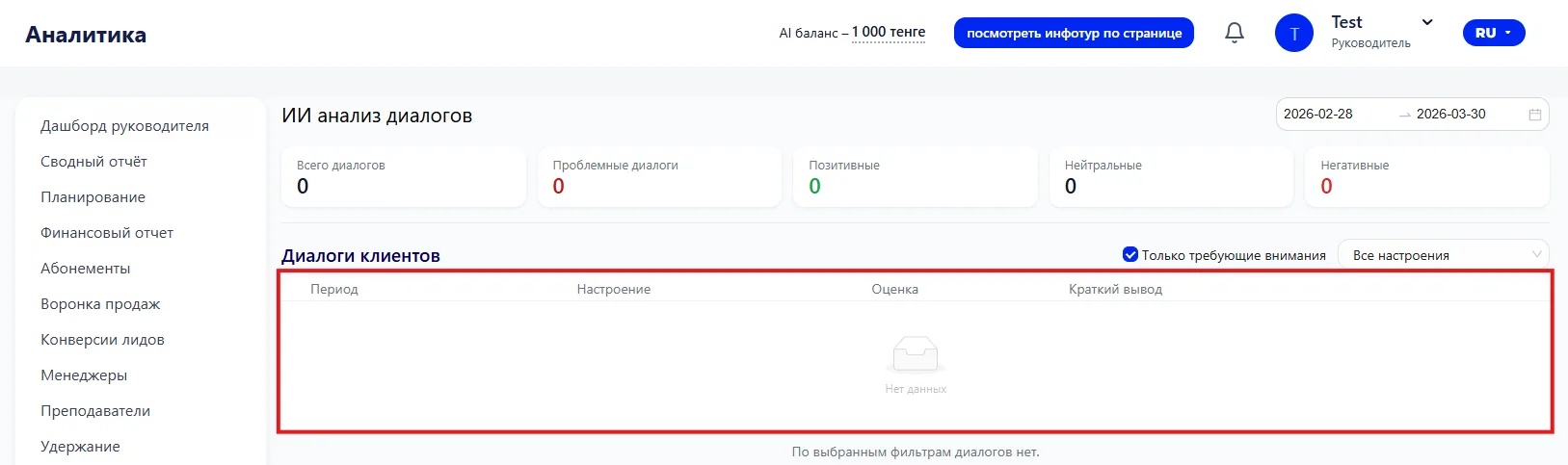
If there are no dialogues for the selected filters, the message “No dialogues for the selected filters” will be displayed.
Recommendations:
- Use filters to quickly find dialogues with the desired sentiment.
- Pay attention to problematic conversations and respond in a timely manner.
- Monitor the quality of managers’ communication with clients.
- Use the data to improve support and sales performance.