This section allows you to automatically send notifications to clients about upcoming or overdue payments.
Main blocks:
- Message
- Recipients
- Sending settings
1. Message
The block is located at the top of the page. In the editor you create the payment notification text. Available:
writing the message text;
- text formatting — bold, italic or strikethrough;
- adding variables (Client Name, Center Name, Phone, Email);
- attaching an image or a file.
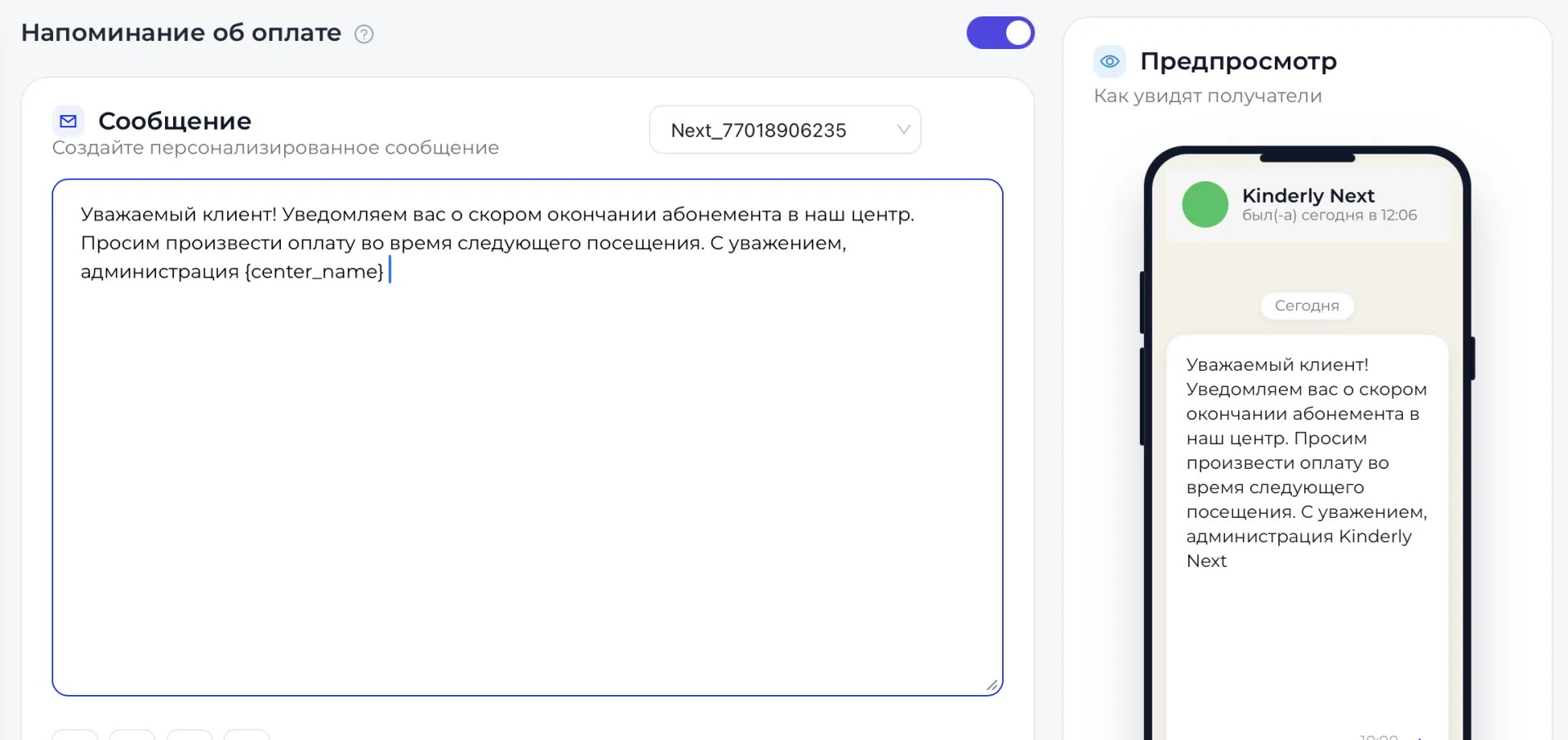
Below the text there is a comment with a hint on when to send the message: one day before the event, after the event or one week before the event. Variables automatically insert recipient data, personalizing the notification.
2. Recipients
The block is located under the message editor. In the “Audience segment” field you select the group of clients who will receive the reminder:
- all clients;
- only active clients.
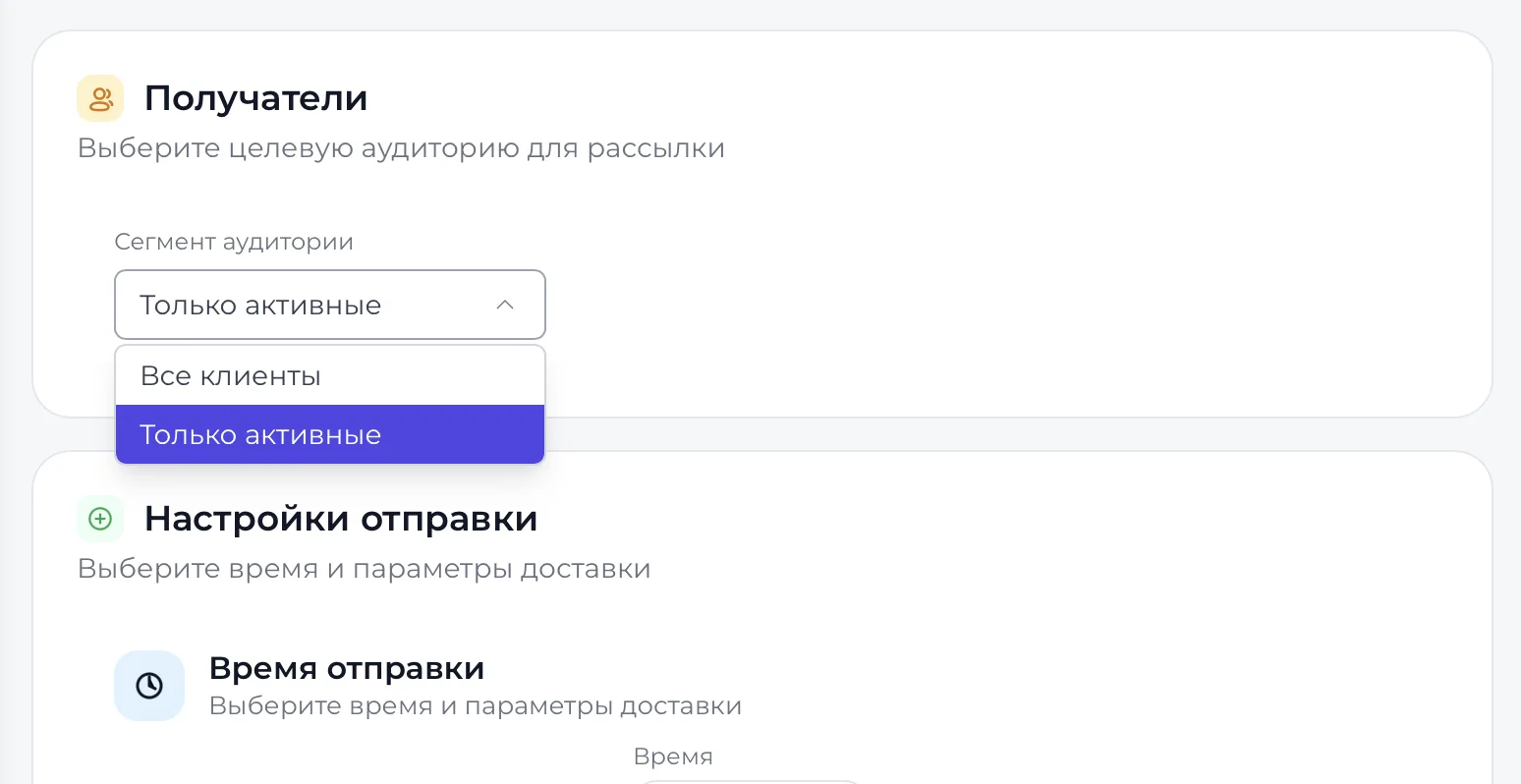
The choice of segment determines who will receive the notification.
3. Sending settings
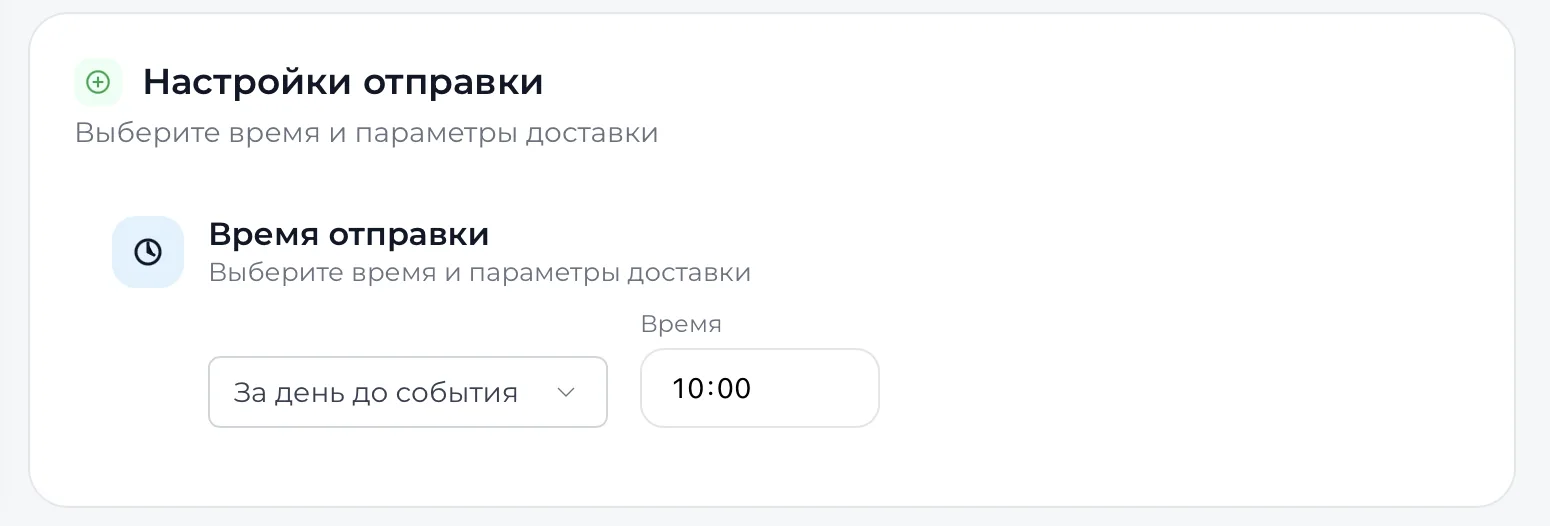
The block is located at the bottom of the page and is responsible for the time and delivery parameters of the message. In the dropdown menu you choose the sending moment: one day before the event, three days before the event, one week before the event, n days before the event, on the day of the event or one day after the event, and you also specify the exact time.
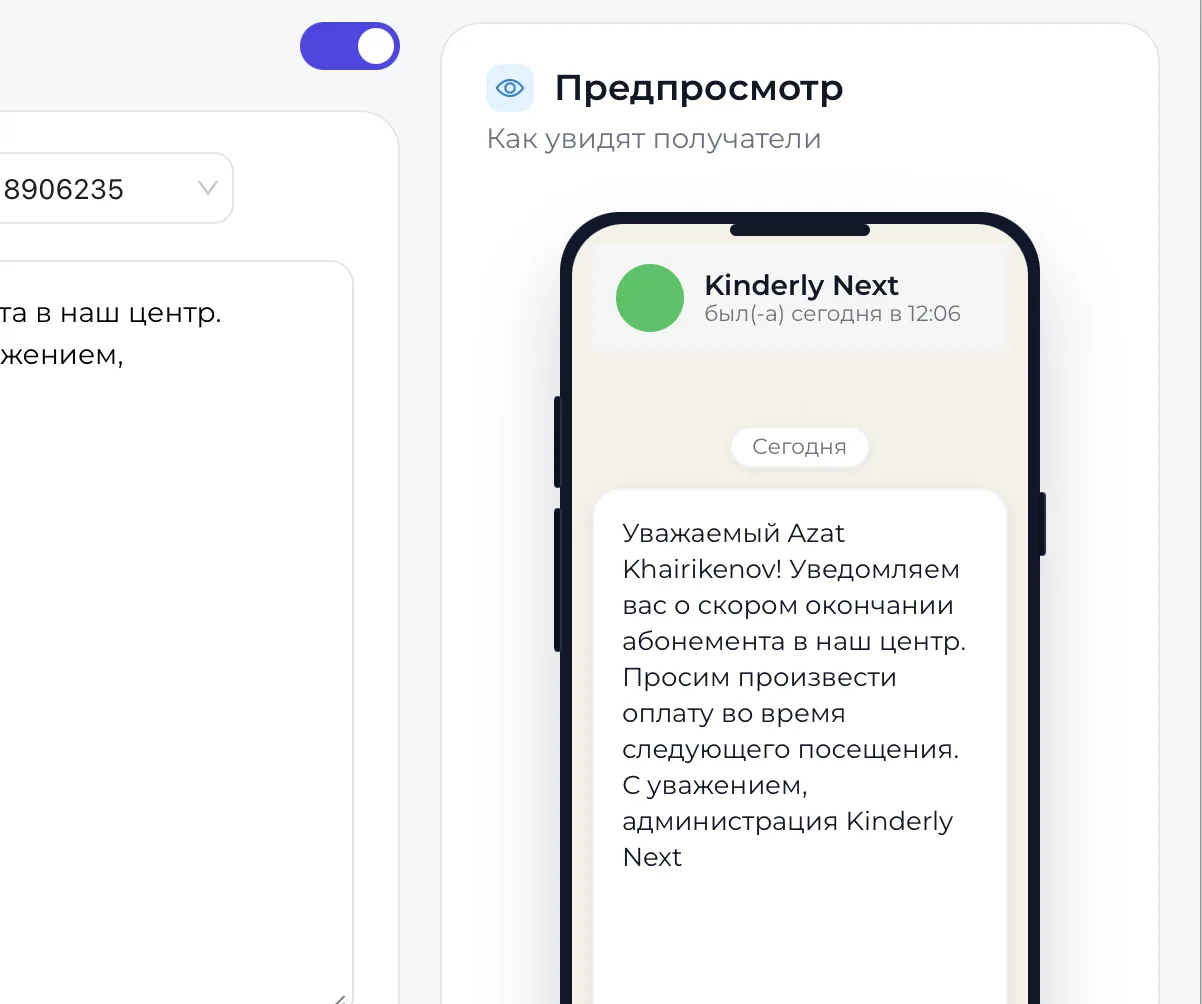
On the side of the screen a preview is shown that allows you to see how the message will look to the client. Below the preview there is a “Save notification settings” button that saves all parameters and starts automatic sending of notifications.
Important to consider
- Sending reminders depends on payment data and the validity periods of Memberships. Only those clients who have a payment date or Membership expiration date recorded in the system will receive the message.
- If the payment date or the validity period of the Membership is specified incorrectly, the notification may be sent earlier, later or not sent at all.
- It is also important that the client's card contains filled contact details. Without a phone the system will not be able to deliver the message.
- All changes in information about Memberships and payments are automatically reflected in the mailing, so before saving settings it is recommended to check the relevance of the data in client and Membership cards.