This window records all Students' outstanding balances for Classes. It displays information about clients who have unpaid amounts.
The section helps you quickly see the overall financial situation and contact debtors in a timely manner.
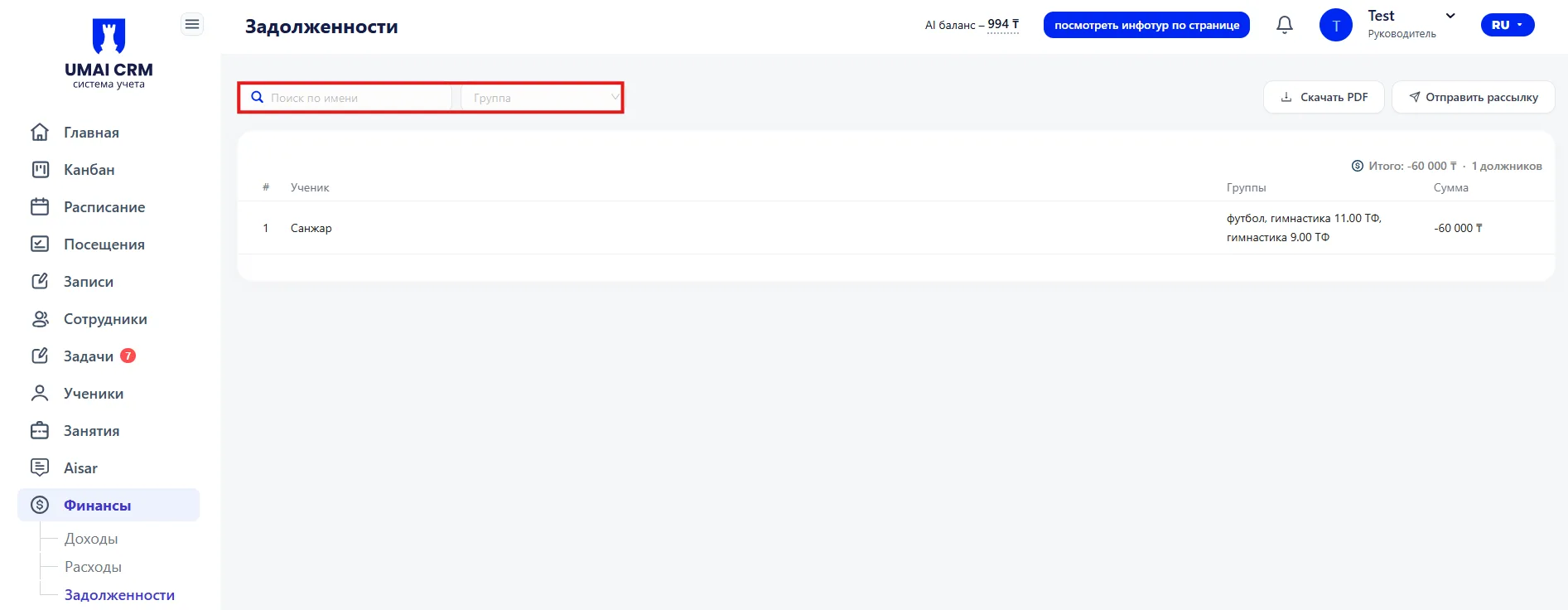
Filtering and Search
At the top of the page there are tools for searching and filtering data.
The following options are available:
- Search by name — allows you to quickly find a specific Student.
- Filter by Groups — in the dropdown you can select the required group (группа) and view outstanding balances only for it.
Additional actions
Also, additional functions are available at the top of the page:
- Download PDF — allows you to export the list of outstanding balances in PDF format.
- Send broadcast — the system will send a message to all Students with outstanding balances via WhatsApp.
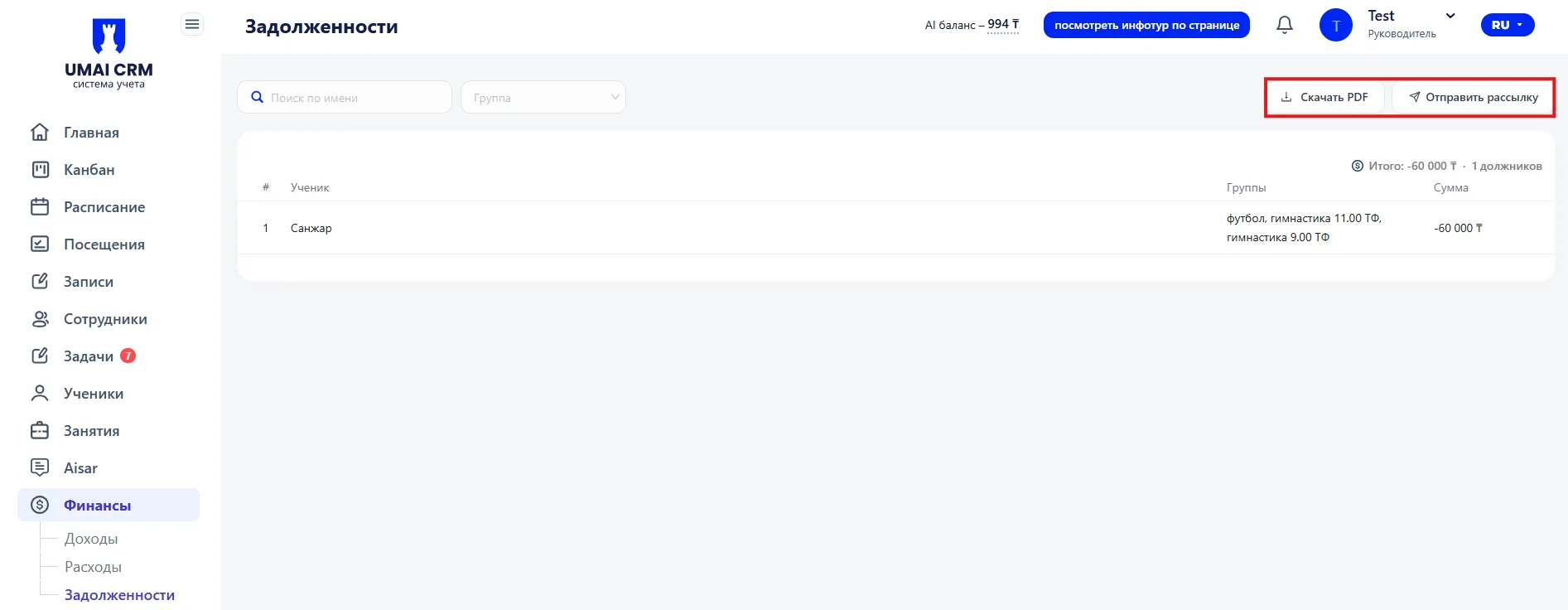
This is convenient for quickly notifying debtors about payment.
Overall statistics
A summary of outstanding balances is displayed above the table:
- Total outstanding balance — the sum of all unpaid Classes.
- Number of debtors — the number of Students who have an outstanding balance.
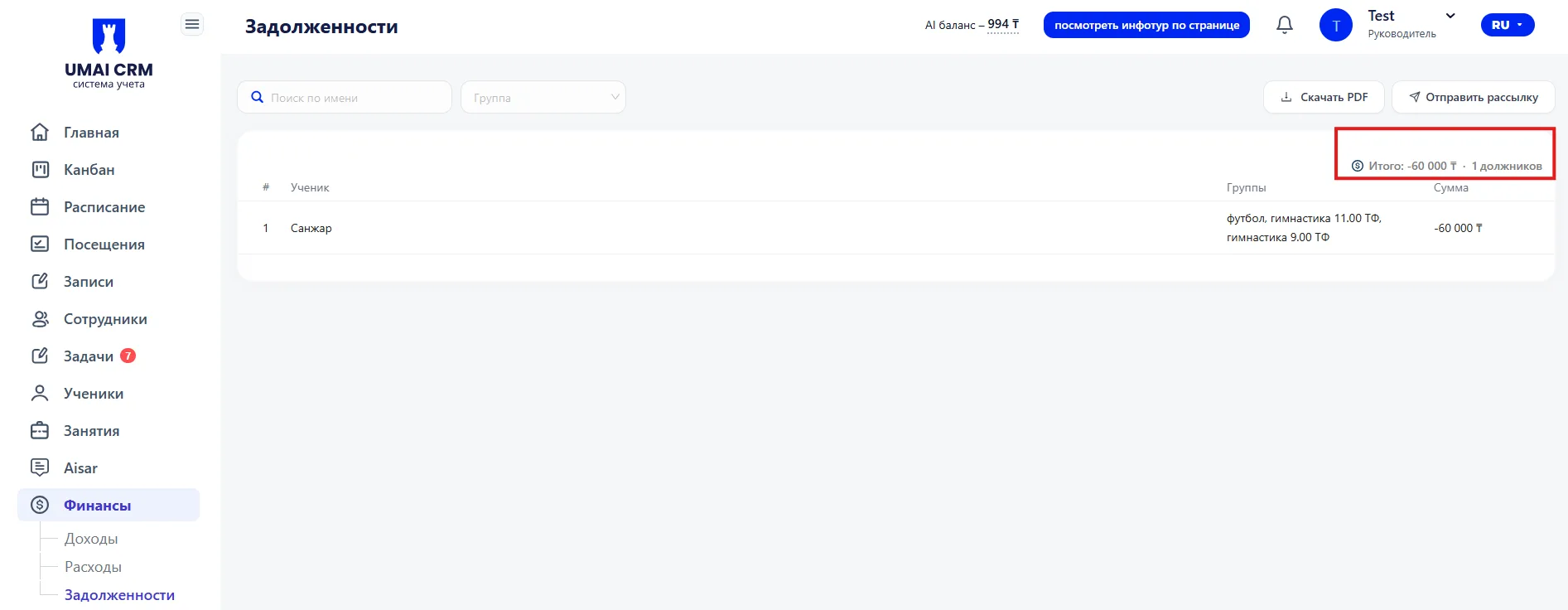
These indicators help you quickly assess the total volume of outstanding balances.
Outstanding balances table
The main part of the page is presented as a table.
The table displays the following data:
- Student — the Student's name who has an outstanding balance.
- Group — the group (or Class) the Student attends.
- Amount — the size of the outstanding balance.
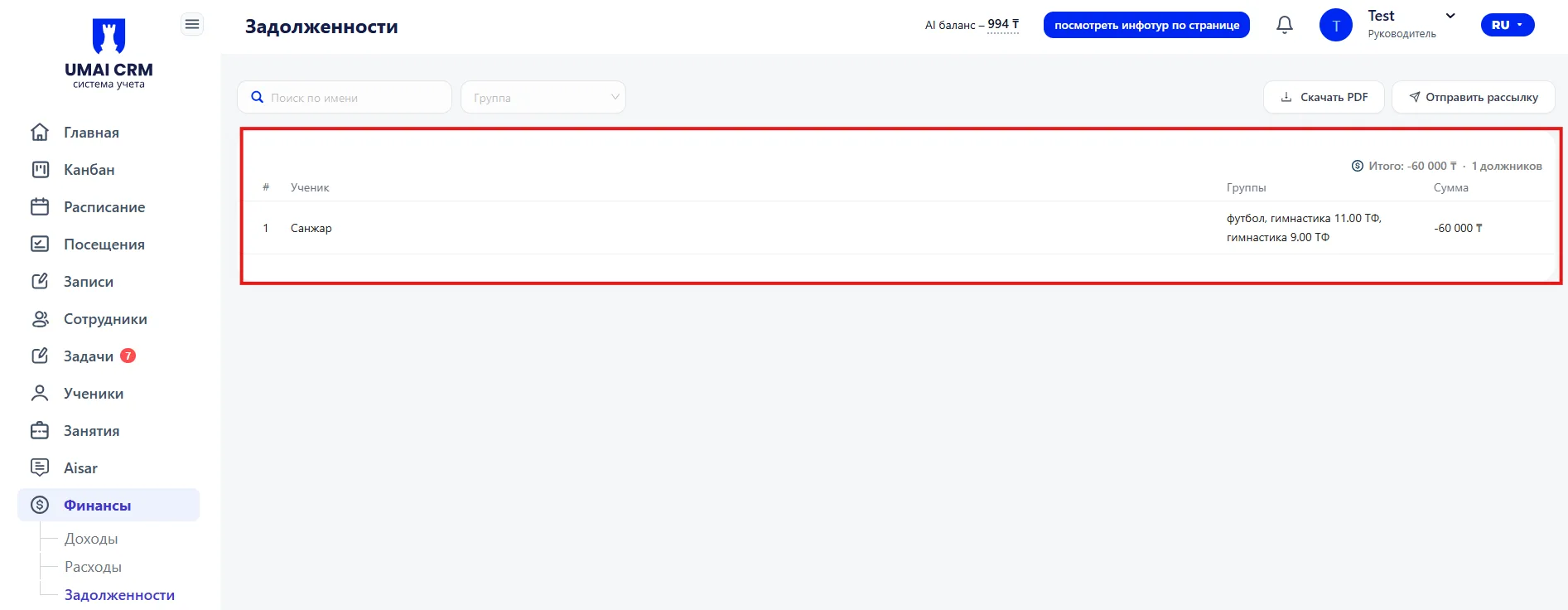
The table allows you to quickly review information on all debtors and monitor Class payments.
Using this section helps you track outstanding balances in a timely manner and maintain order in financial settlements with Students.