This section is intended for matching a bank statement with Umai income. It helps quickly detect errors and verify data accuracy.
1. Uploading a bank statement (CSV)
In this block you need to upload a bank statement for subsequent comparison with the data in the system. CSV format is supported. If the statement is exported in XLS/XLSX format, you must save it as CSV before uploading.
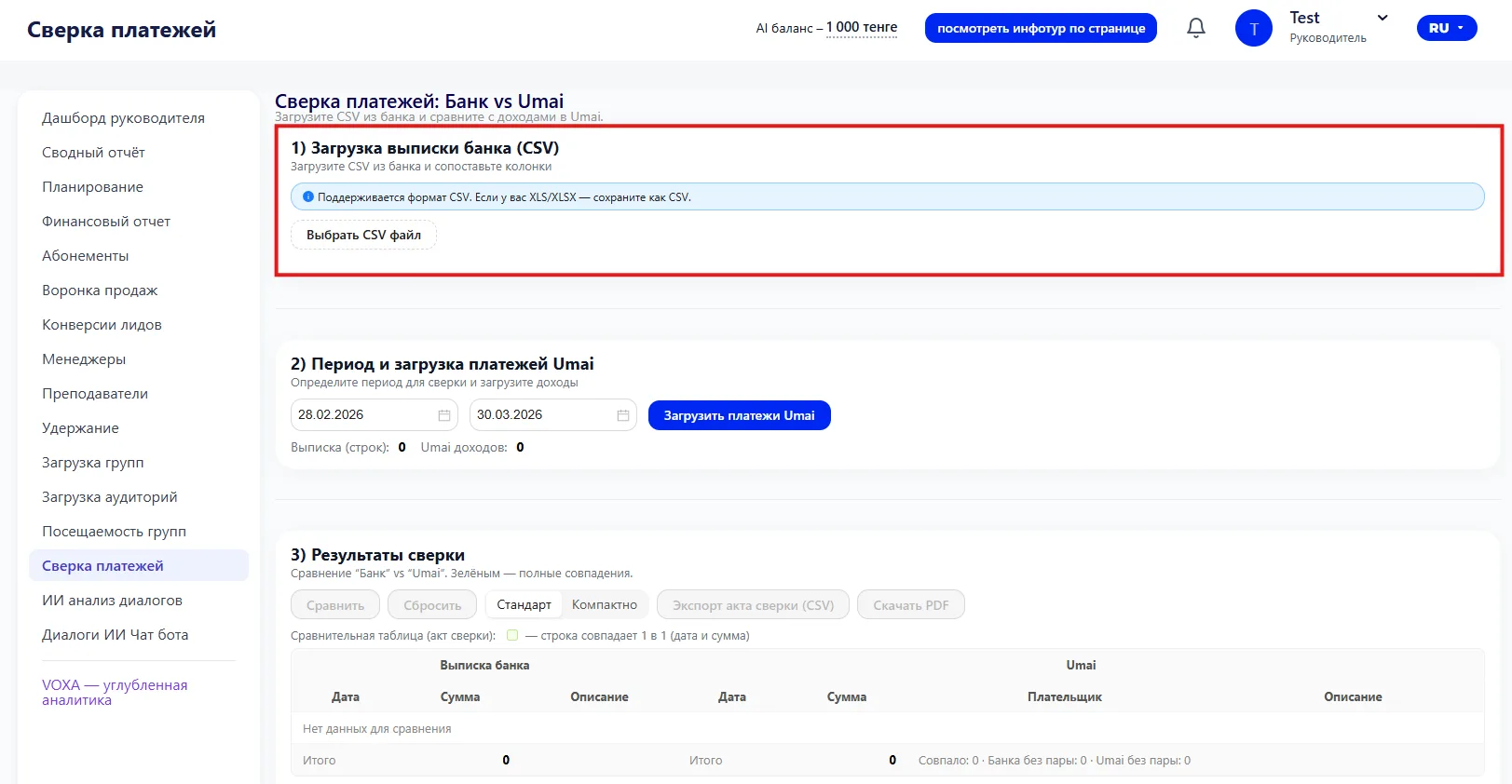
To upload:
- Click the "Choose CSV file" button.
- Upload the bank statement file.
- After uploading, the system will map the columns for proper comparison.
2. Period and loading Umai payments
Select the period for reconciliation: start date and end date.
Click "Load Umai payments" to retrieve the list of income from the system for this period.
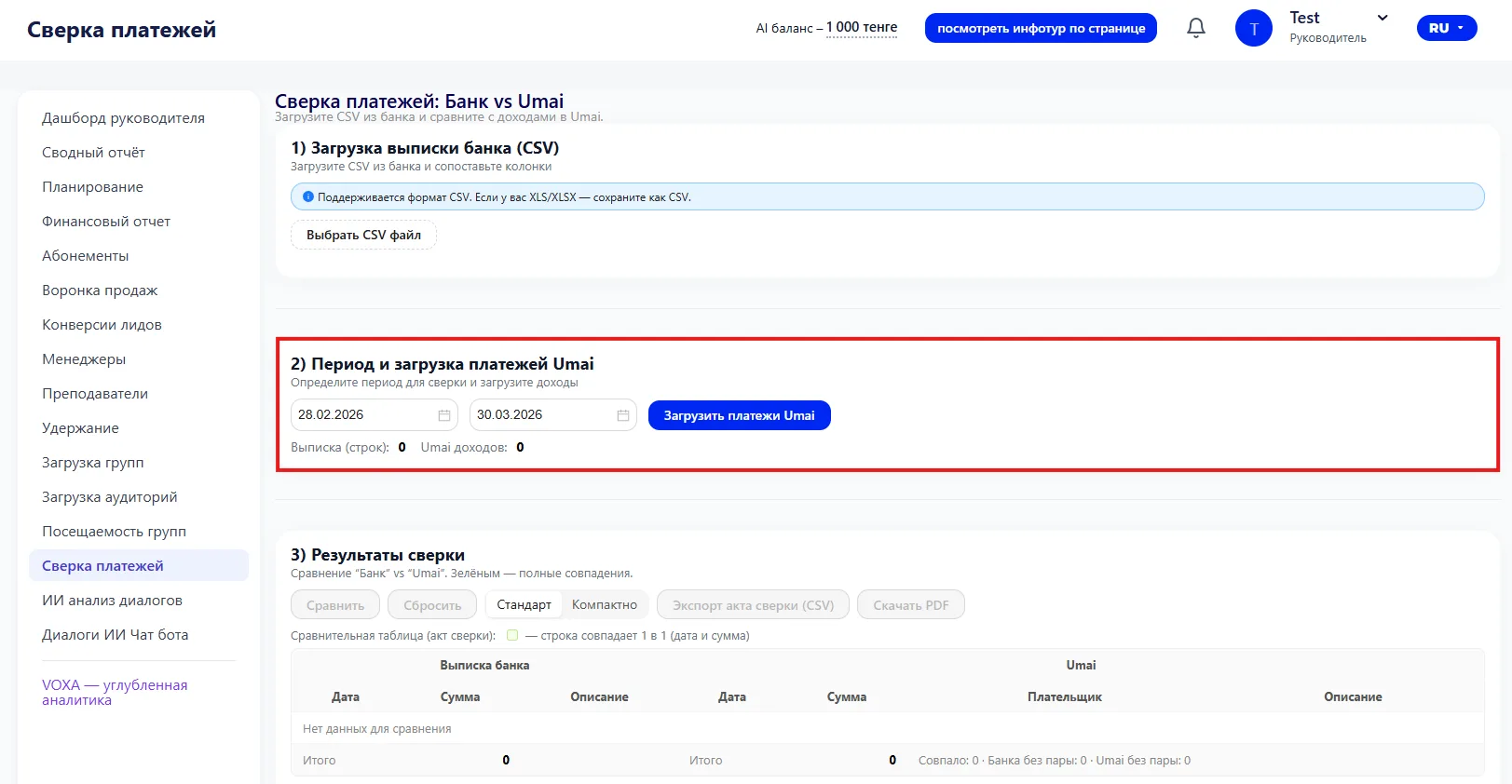
The system will show how many transactions were loaded from the bank and how many are in Umai to ensure the data is ready for reconciliation.
3. Reconciliation results
After loading the data, the following actions are available:
- "Compare" — perform reconciliation.
- "Reset" — clear the results.
- Select display mode: "Standard" or "Compact".
- "Export reconciliation report (CSV) – download results in CSV format".
- "Download".
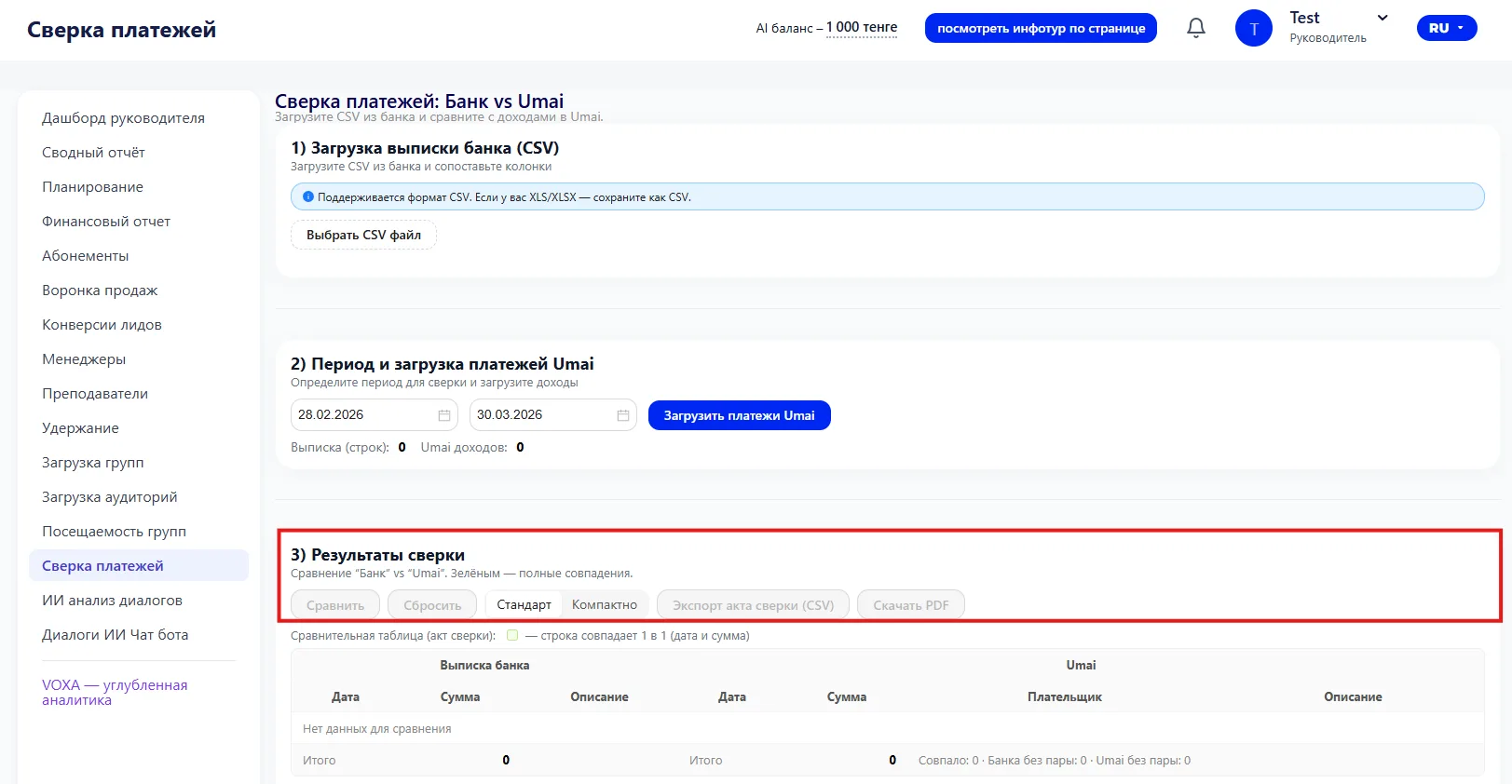
The comparison is displayed in a table:
- Bank statement: date, amount, description.
- Umai: date, amount, payer, description.

The green check mark indicates that the rows match (date and amount).
- If a transaction exists only in the bank – it is missing in Umai.
- If a transaction exists only in Umai – it is not in the bank statement.
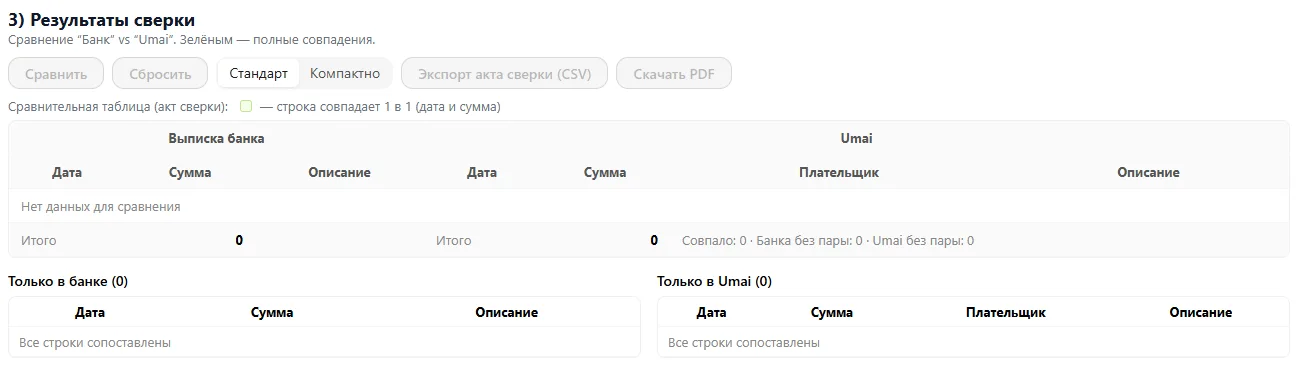
Below the table the number of matched and unmatched transactions is displayed.
Recommendations:
- Find transactions that are reflected only in the bank and enter them into the system.
- Find transactions that exist only in Umai and verify whether the payment was processed.
- Download the report for accounting or internal audit.