Shows the customer's path from first contact to outcome: sale or rejection. Allows you to understand where Leads get stuck and how many deals are brought to completion.
Main interface elements (top to bottom)
Top panel:
- «Фильтры» — filtering by date, stage, search.
- «Скачать» — data export.
- «Список» — switching from board to table.
- «Настройки» — go to Kanban settings.
- Line «Found: ...» — number of Leads for the current filter.
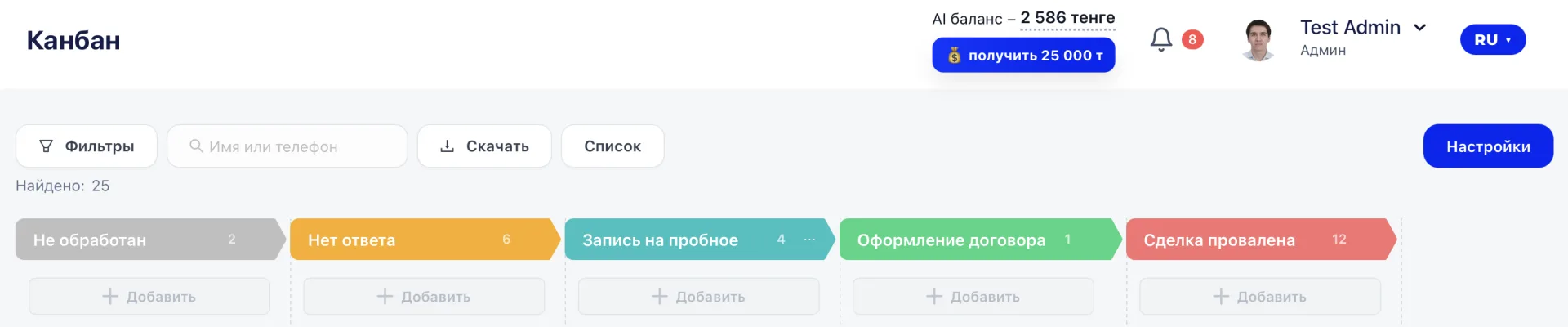
Stage columns
Each column is a stage of the funnel. Examples of stages:
- «Квалификация лида»
- «Нет ответа»
- «Консультация»
- «Экскурсия»
The column header shows the number of Leads.
Color helps quickly navigate the stages.