1. Products (Товары)
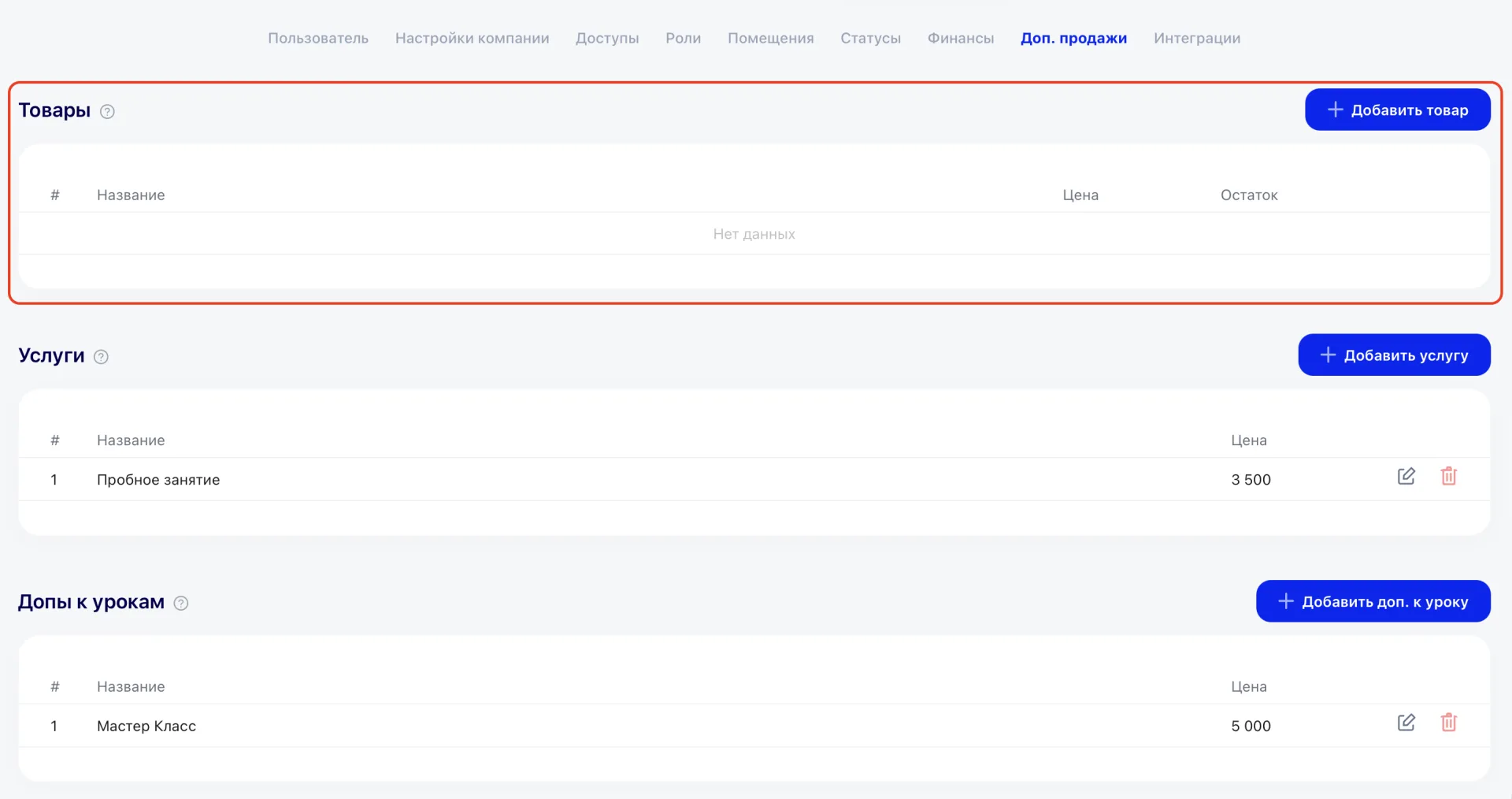
Products (Товары) are convenient to manage with stock balances to control sales and inventory.
To add a new product: click «Add product» (Добавить товар), specify the name and price, then save the entered data.
The table displays:
- # — sequence number,
- Name — product name,
- Price — cost,
- Stock — quantity in warehouse,
- Actions — Edit, Purchase (specify quantity and purchase amount), Delete buttons.
2. Services (Услуги)
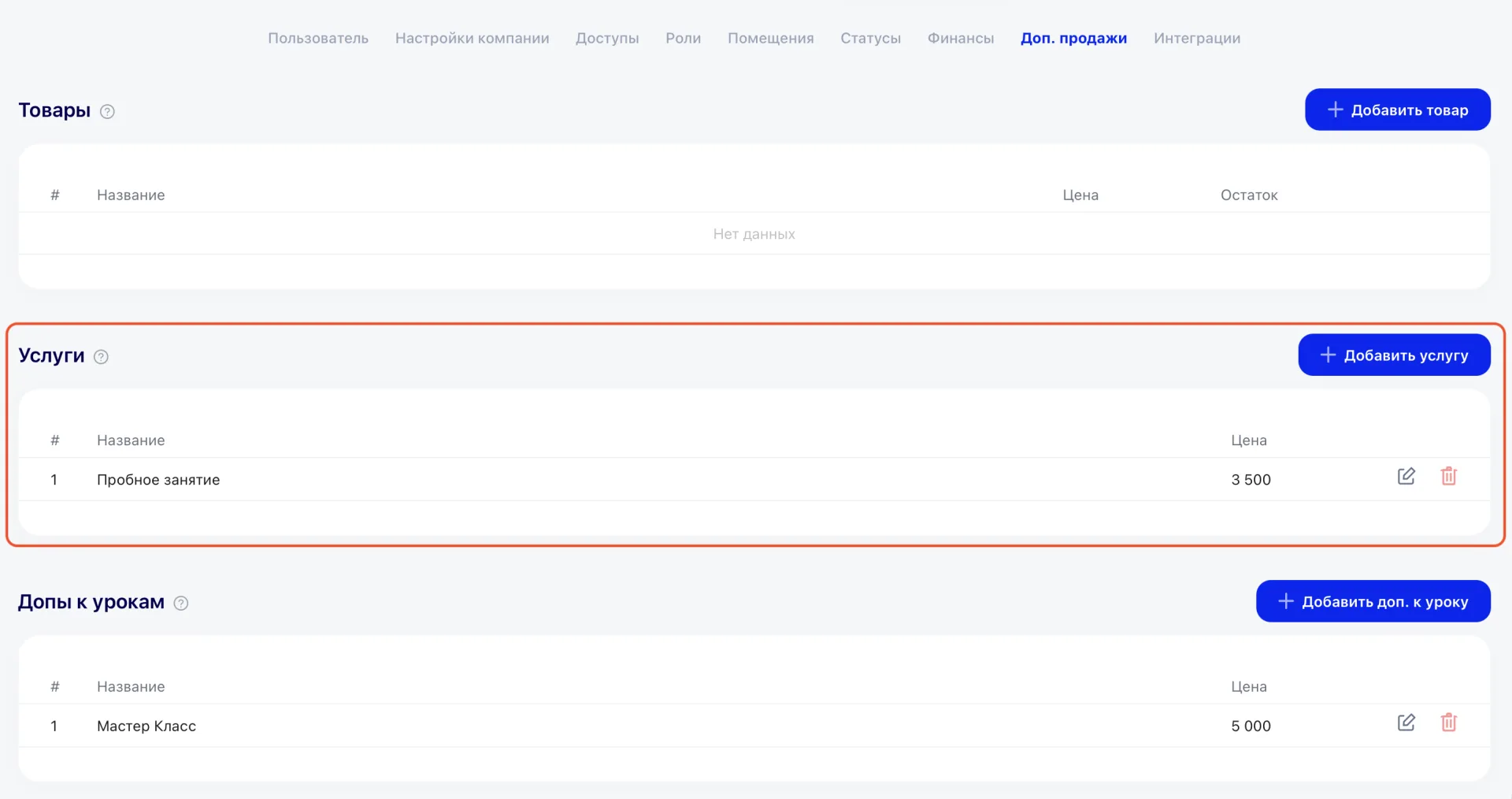
Paid services of the center are configured in this block.
To add a service: click «Add service» (Добавить услугу), enter the name and price, then Save.
The table displays:
-
# — sequence number,
-
Name — service name,
-
Price — cost,
-
Actions — Edit and Delete buttons.
3. Add-ons (Допы) for Classes (урок)
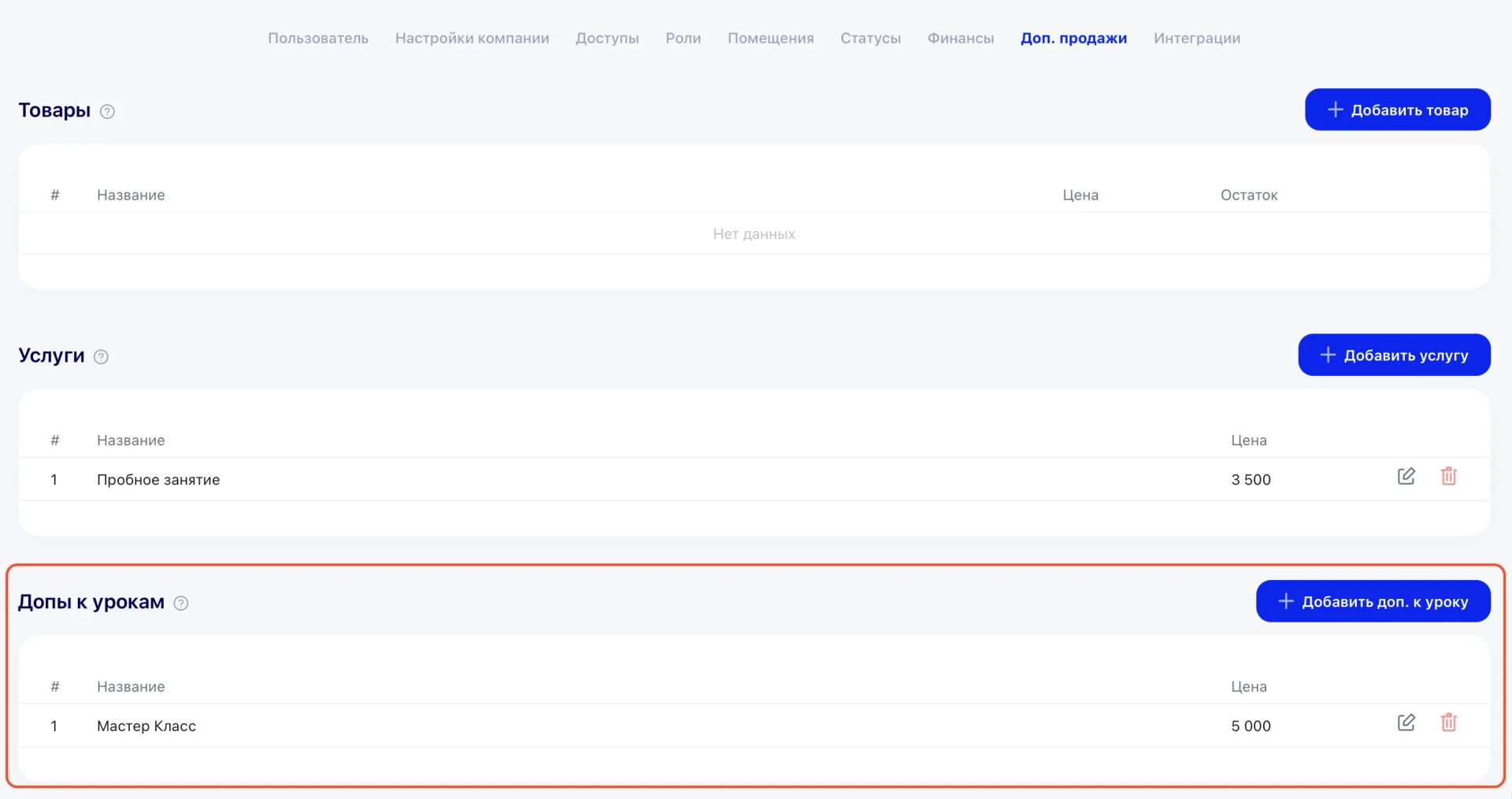
Add-ons (Допы) for classes allow selling additional materials or options together with Classes.
To add an add-on: click «Add add-on to class» (Добавить доп. к уроку), fill in the name and price, then save.
The table displays:
-
No. — sequence number,
-
Name — add-on name,
-
Price — cost,
-
Actions — Edit and Delete buttons.
4. Suppliers (Поставщики)
To add a supplier: click «Add supplier» (Добавить поставщика), fill in the name, then save.
The table displays:
No. — sequence number,
Name — supplier name,
Actions — Edit and Delete buttons.

The table allows quick management of suppliers and maintaining an up-to-date list for classes.
Important to consider
-
Names and prices must be clear and correct so that sales are accounted for properly.
-
For products, monitor stock and purchases to keep data current.
-
Deleting a record makes it unavailable for use.
-
Before mass-using new products, services, or add-ons, it is recommended to test them with a single sale.