The tab displays a list of all premises (помещения) of the center that are used when creating Classes and compiling the Schedule.
In the upper right part of the page there is a button "+ Add premise".
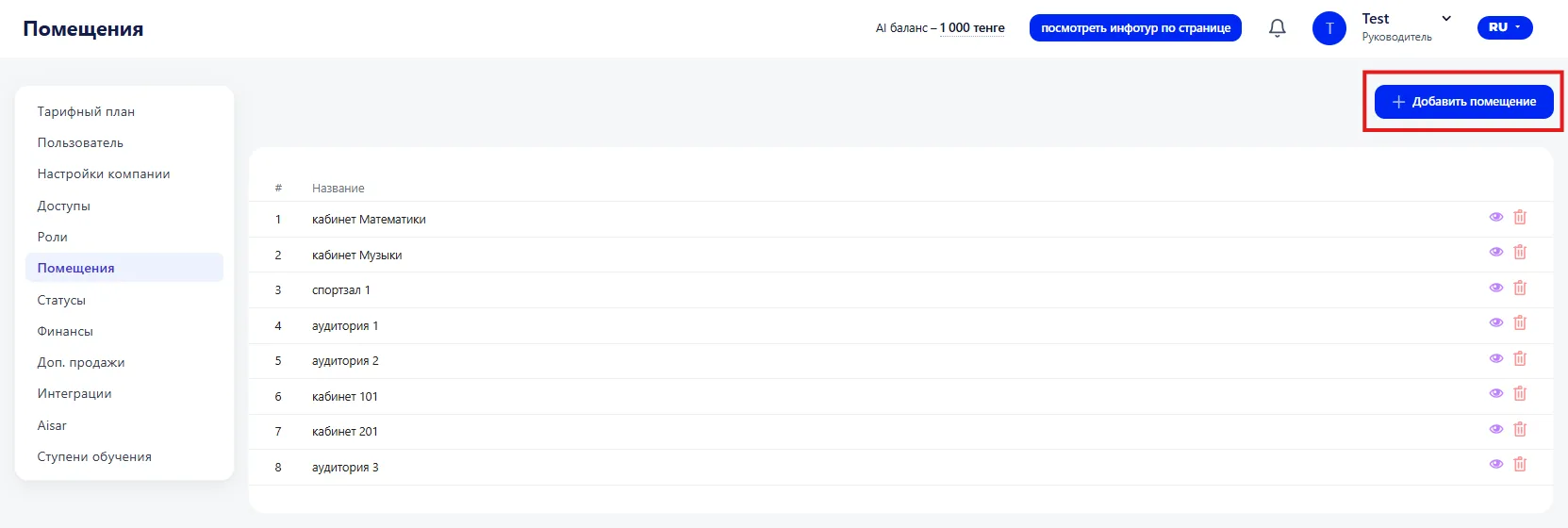
When pressed, a window opens where you need to specify a name. After saving, the entry automatically appears in the list.
The list is located in the central part of the page under the add button.
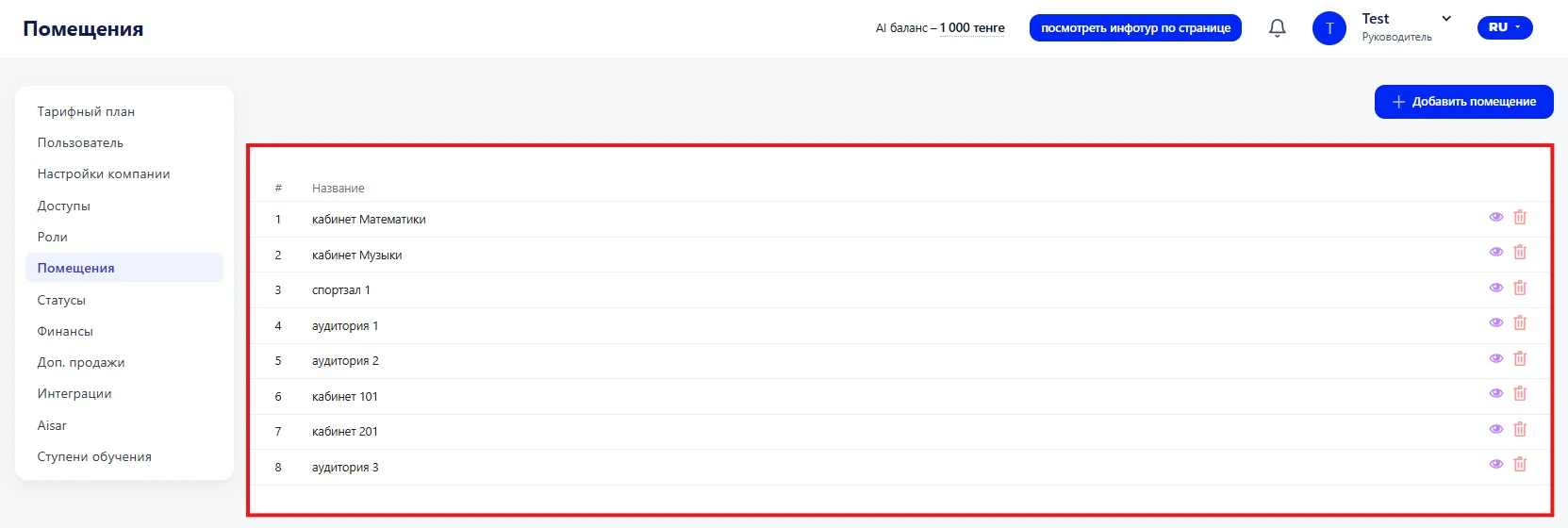
The table displays:
-
# — the sequential number in the list;
-
Name — the specified name.
On the right side of the row there are control buttons:
-
View — opens the information;
-
Delete — removes the entry from the list.
Names should be clear and unique so they are easy to select when creating Classes;
-
Deletion will cause the object to disappear from the list and it will no longer be available for use in the Schedule;
-
It is recommended to add all used rooms (кабинеты) in advance to correctly form the Schedule of Classes.