This tab displays an employee's Schedule and their work shifts. Here you can view scheduled Classes and working hours with date and time.
For convenience, week-by-week navigation is available. You can switch between periods using the buttons “Prev.”, “Today”, “Next”, which allows quickly moving to the previous, current, or next week.
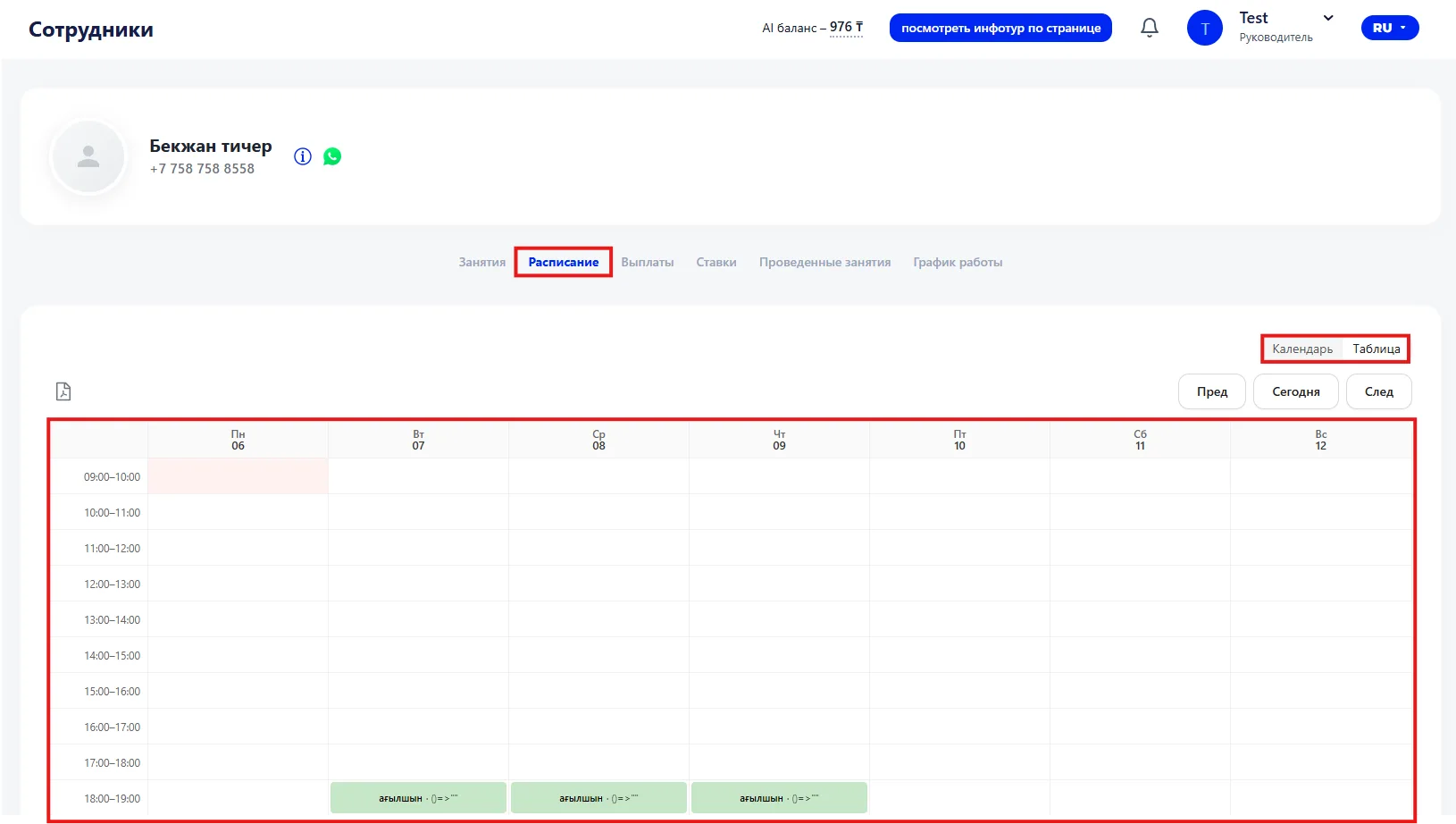
You can also select the display mode for the Schedule:
- Calendar — shows Classes and shifts in a calendar format;
- Table — displays information in a tabular view.
If necessary, the Schedule can be downloaded as a PDF for saving or printing.
Adding or editing shifts in this tab is not available — it is intended only for viewing the employee's current Schedule.