The employee card consolidates all information about a worker in one place. It displays classes, schedule, payments, rates, conducted classes and work schedule.
Основные блоки:- Opening the employee card
- Employee card tabs
- Classes
1. Opening the employee card
The employee card opens by clicking on the employee name in the table of the "Employees" section.
The top part of the card displays the main information:
- Employee photo;
- Name;
- Contact phone;
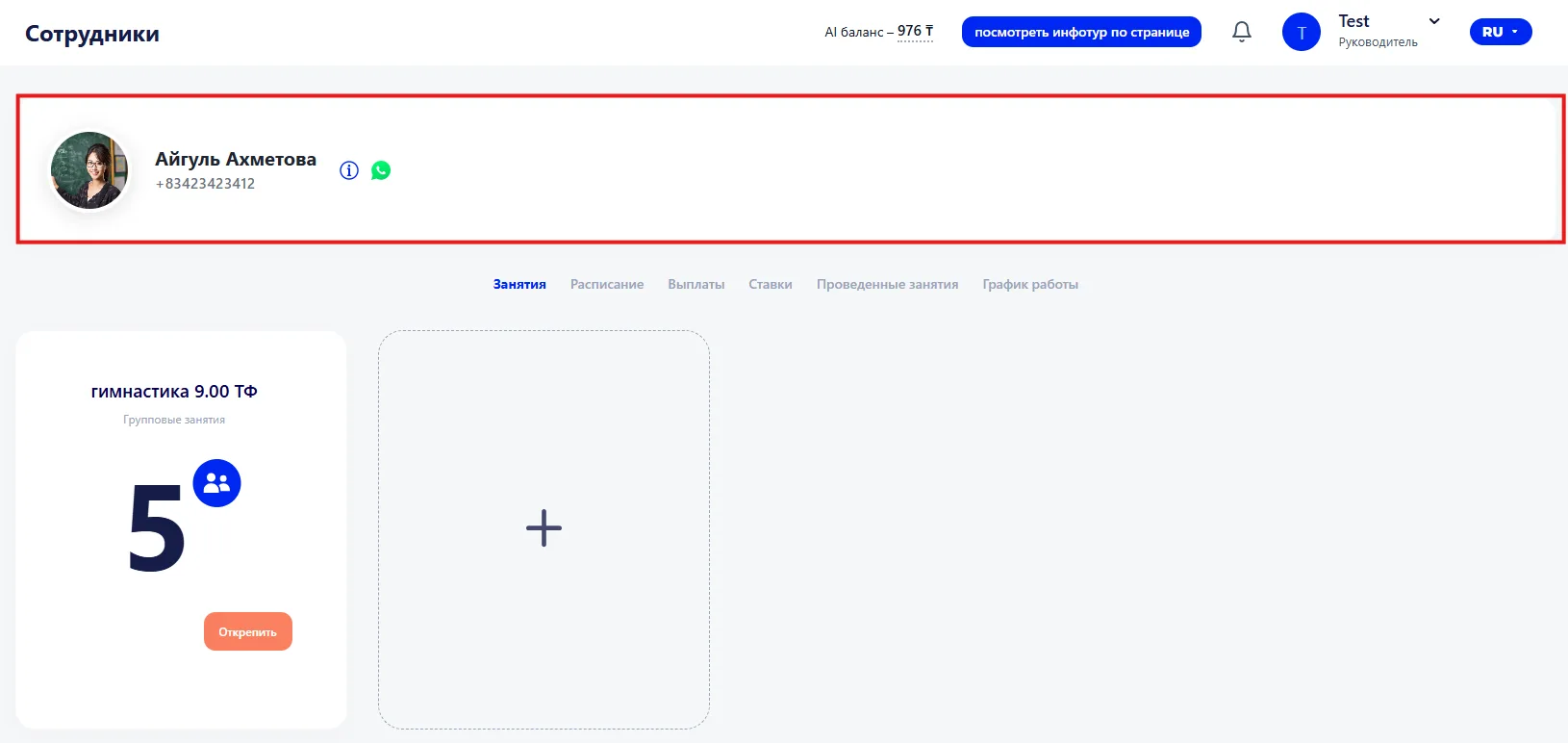
Below are the tabs through which you work with the employee's data.
2. Employee card tabs
The following tabs are available in the employee card:
- Classes;
- Schedule;
- Payments;
- Rates;
- Conducted classes;
- Work schedule.
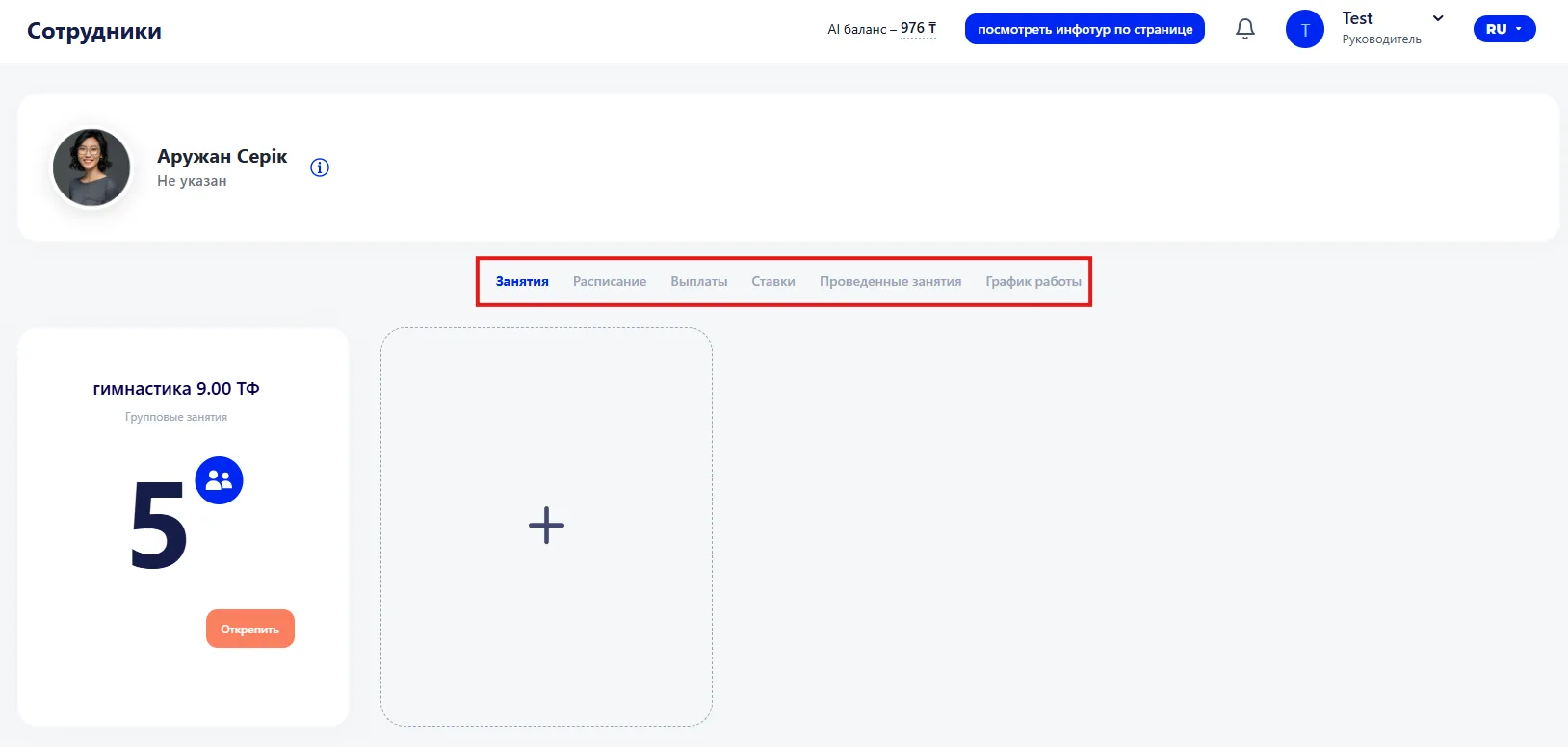
Each tab contains a separate set of information about the employee's work. They allow you to quickly view and edit data on classes, schedule, payments, rates, conducted classes and work schedule. Tabs make working with the card convenient, organized and clear.
3. "Classes" tab
Each class is displayed as a card showing:
- Class name — the program or course the student is enrolled in;
- Teacher — the employee who conducts classes in this direction;
- Class type — the training format, for example group or individual;
- Number of students in the group — the current number of participants if the class is held in a group format.
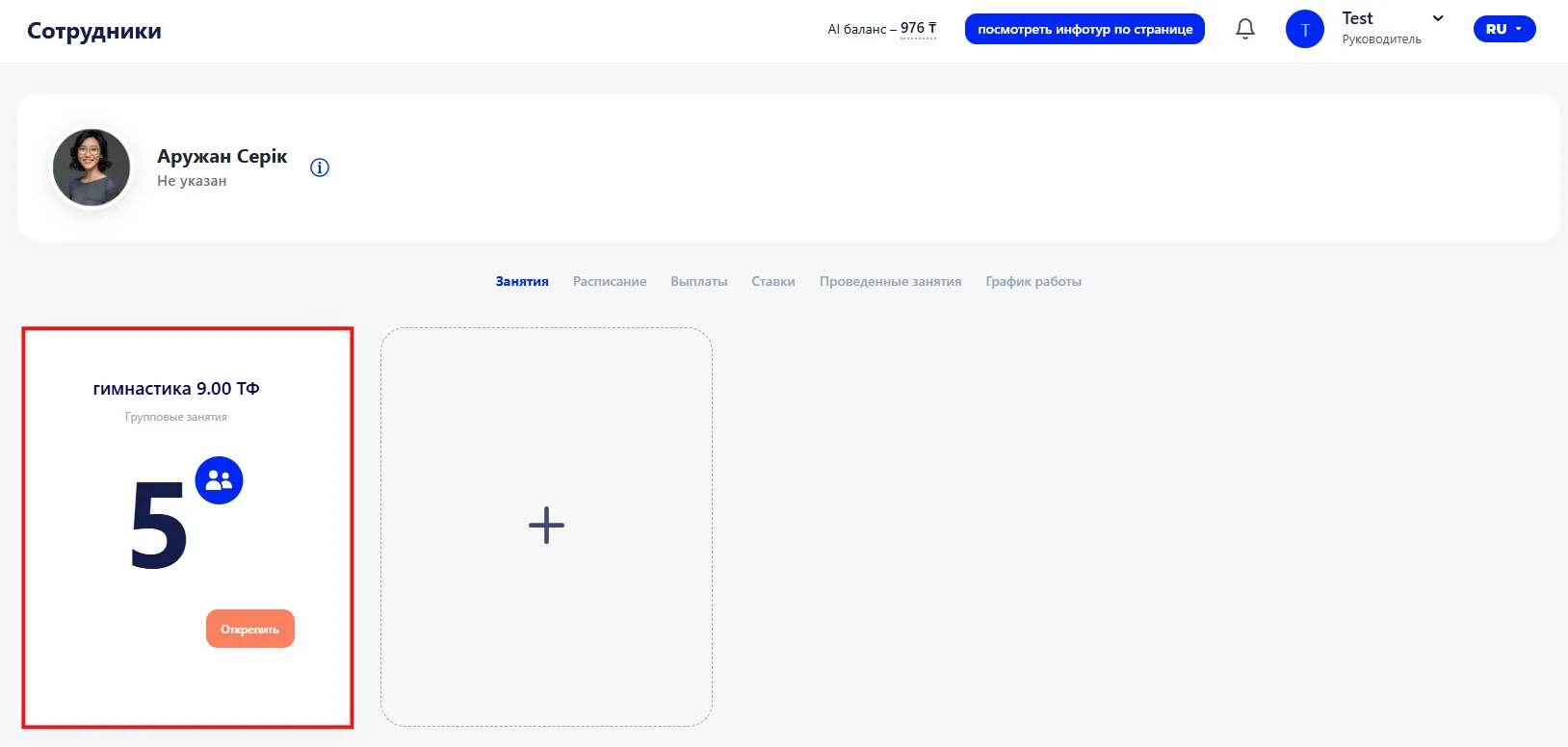
The "Detach" button allows you to remove the record from the employee card.
You can also add a new class to the card. To do this, click the plus icon to open the selection window.