This section is used to store temporarily deleted objects. Here you can restore accidentally deleted data or permanently delete it. The Trash (Корзина) helps prevent irreversible data loss from mistaken actions.
- Access to the section
- Main interface elements
- How the trash works
- Restoring an object
- Permanently deleting an object
Access to the section
The trash icon is located at the bottom of the sidebar — to the right of the main menu. After clicking, a page opens with the title "Trash" and a list of deleted objects.
Main interface elements
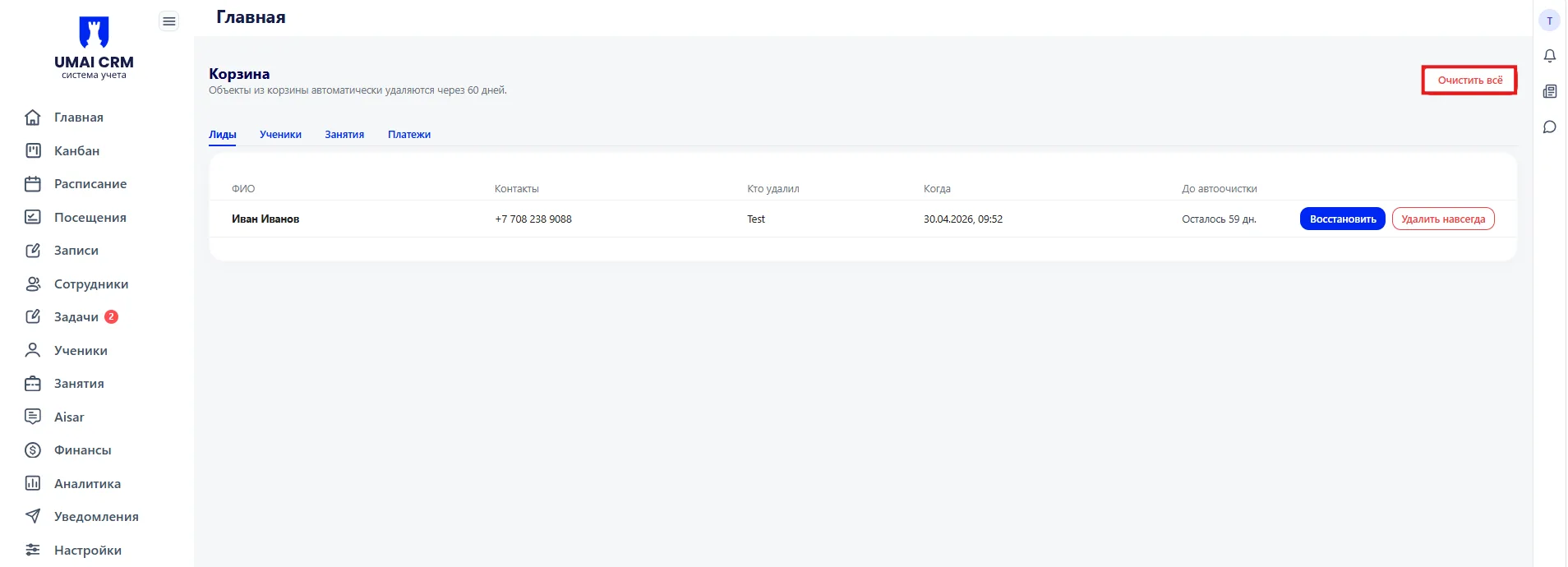
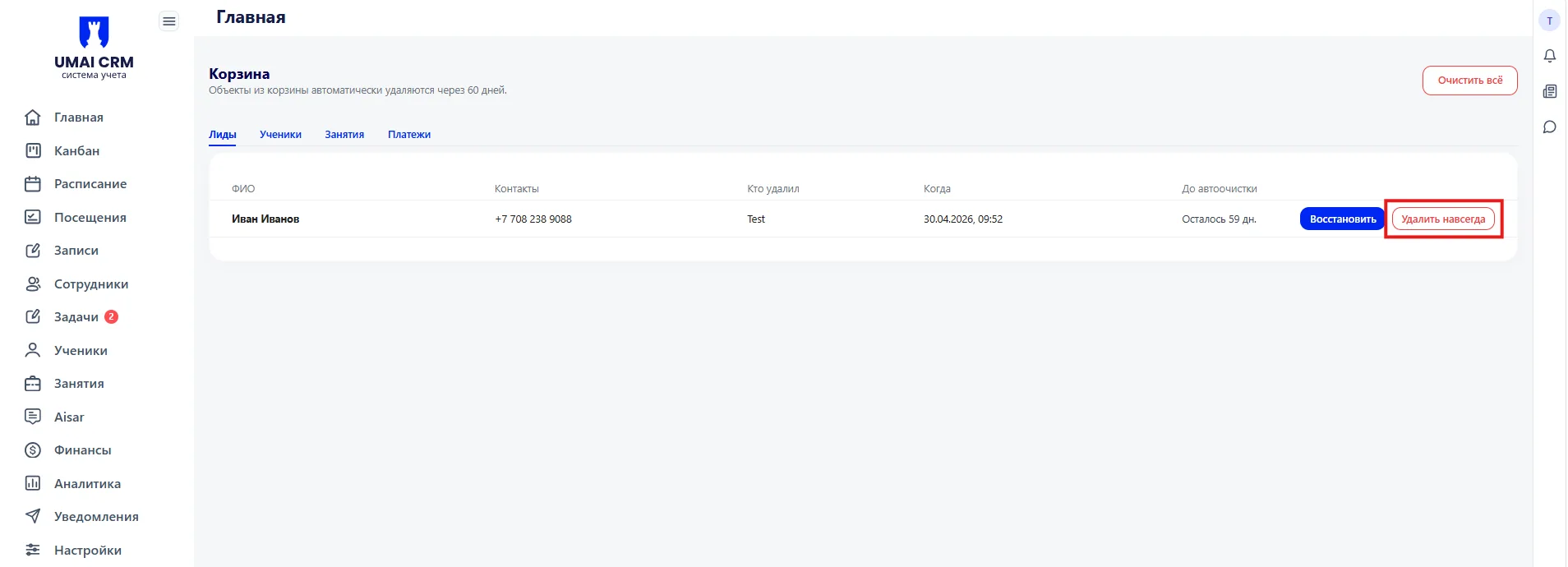
The "Clear all" button — located in the top right corner of the page. Deletes all objects from the trash without the possibility of recovery. Available only to the manager.
Tabs — four tabs are located under the heading:
- Leads;
- Students;
- Classes;
- Payments.
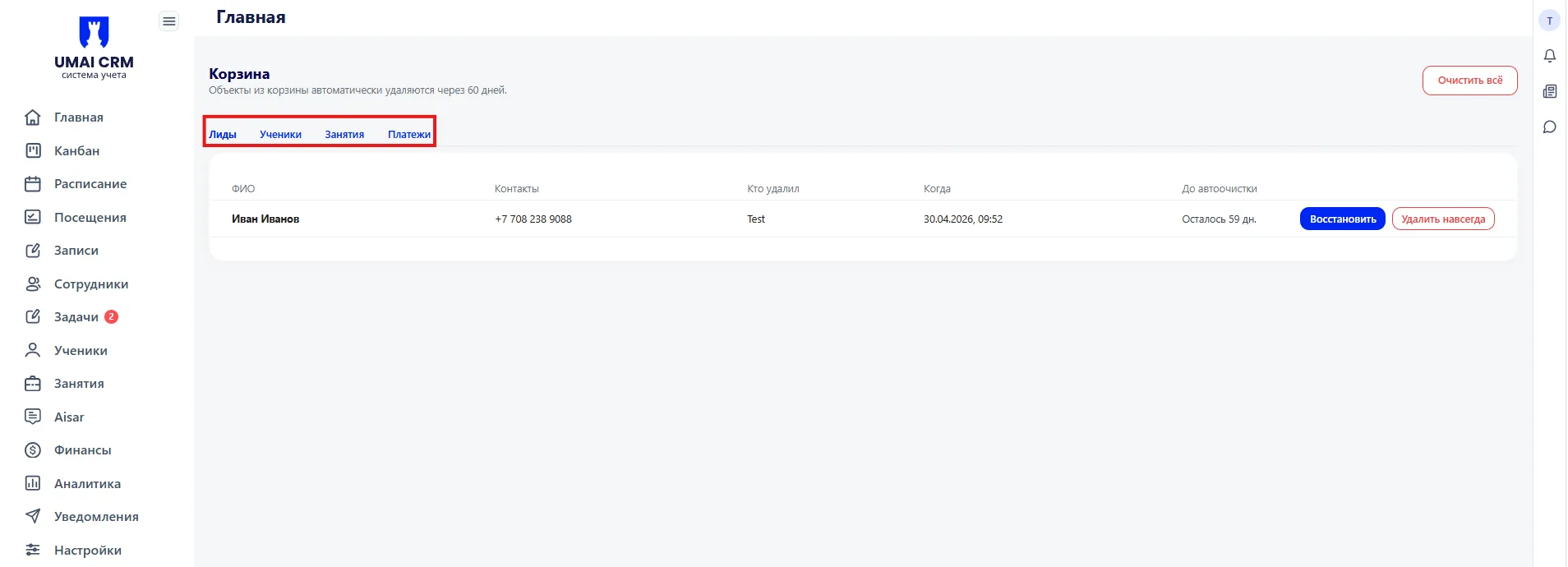
Each tab shows deleted objects of its type. Switching between tabs does not affect the data — it is only a display filter.
The deleted objects table contains the following columns:
- Full name — the name of the deleted object;
- Contacts — phone number;
- Who deleted — the name of the employee who performed the deletion;
- When — date and time of deletion;
- Until auto-clear — how many days remain until automatic deletion.
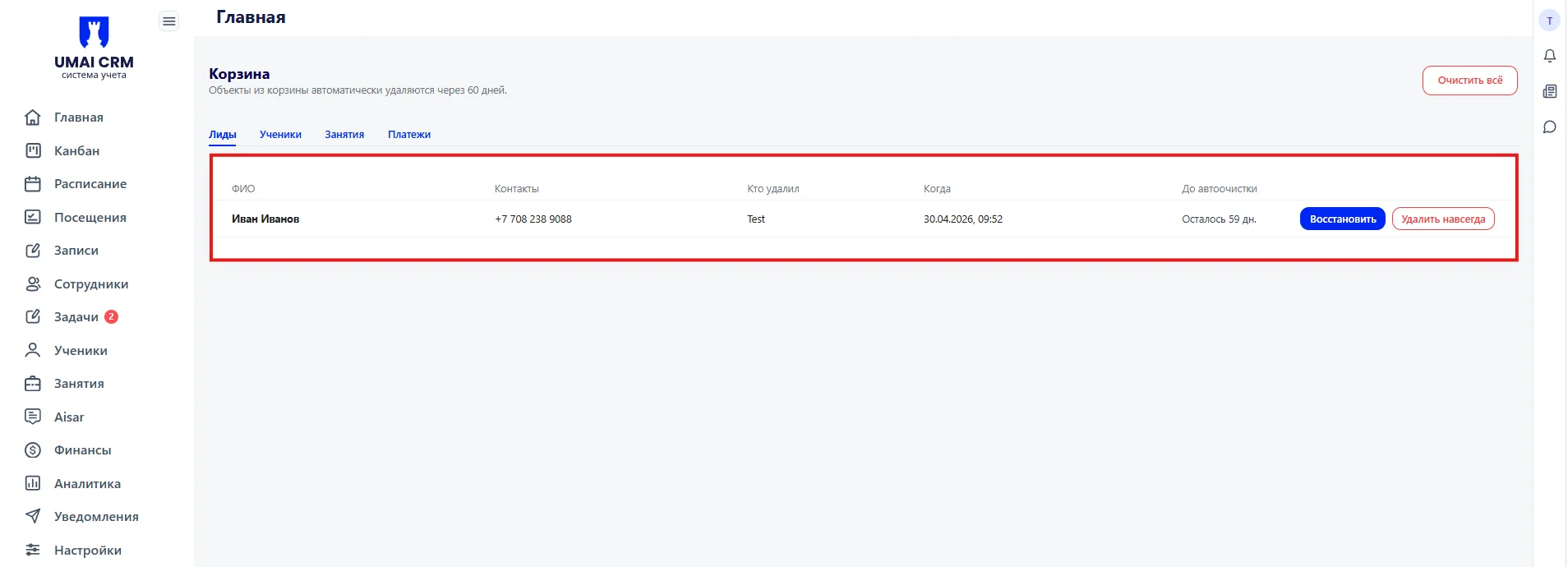
On the right in each row there are two buttons: "Restore" and "Delete forever".
How the trash works
After deleting any object in the system, it does not disappear immediately but is moved to the trash and stored there for 60 days. During this period the object can be restored.
After 60 days the object is deleted automatically — without additional actions by employees.
Restoring an object
The "Restore" button is located to the right in the row of the required object. After clicking, the object is returned to the section from which it was deleted, for example, a deleted Lead will return to the Students or Classes section.
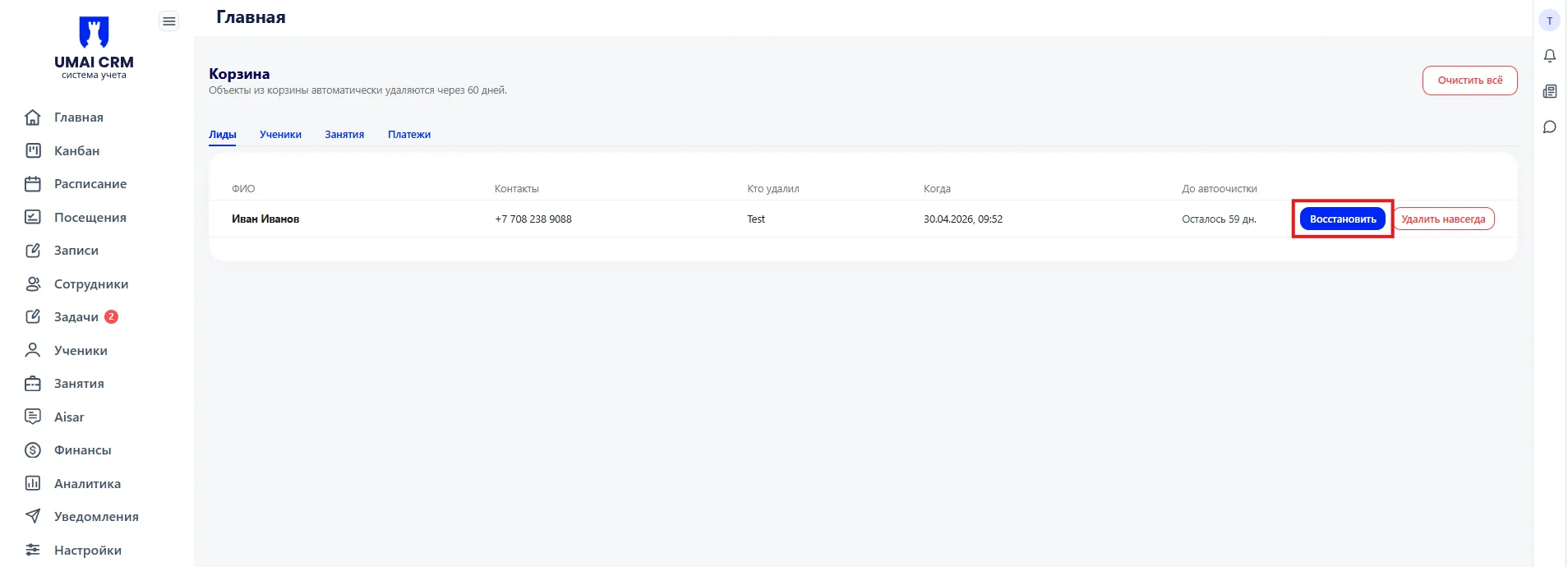
Restoration is available only to the manager.
Permanently deleting an object
The "Delete forever" button is located next to the "Restore" button. After clicking, the object is deleted with no possibility of recovery.
Full emptying of the trash via the "Clear all" button is available only to the manager.
Important to consider:
- Objects in the trash are stored for exactly 60 days, after which they are deleted automatically.
- Only the manager can restore an object and completely clear the trash.
- Deletion via the "Delete forever" button is irreversible.
- The table shows who exactly deleted the object and when — this helps track accidental or erroneous actions.