This section is used to launch and perform the basic setup of the Kanban. Here you enable the Kanban itself, configure automatic notifications, and define how new Leads are created.
Main blocks:
- Access to the section
- General settings
- Lead creation
1. Access to the section
2. General settings
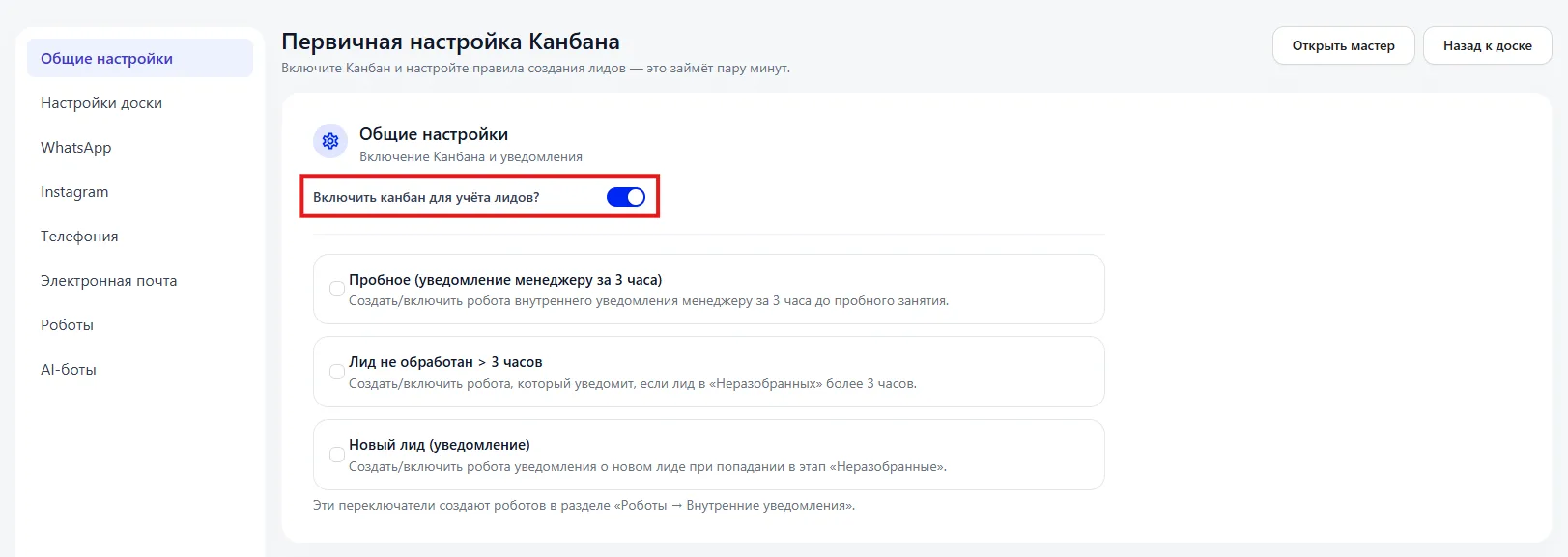
After enabling:
- the section "Kanban of Leads (Канбан лидов)" appears,
- new inquiries begin to fall into the sales funnel,
- stage analytics becomes available.
If the toggle is off — Leads will not be tracked in the Kanban.
Trial (notification to manager 3 hours before)
This item creates a robot that notifies the manager 3 hours before a trial Class.
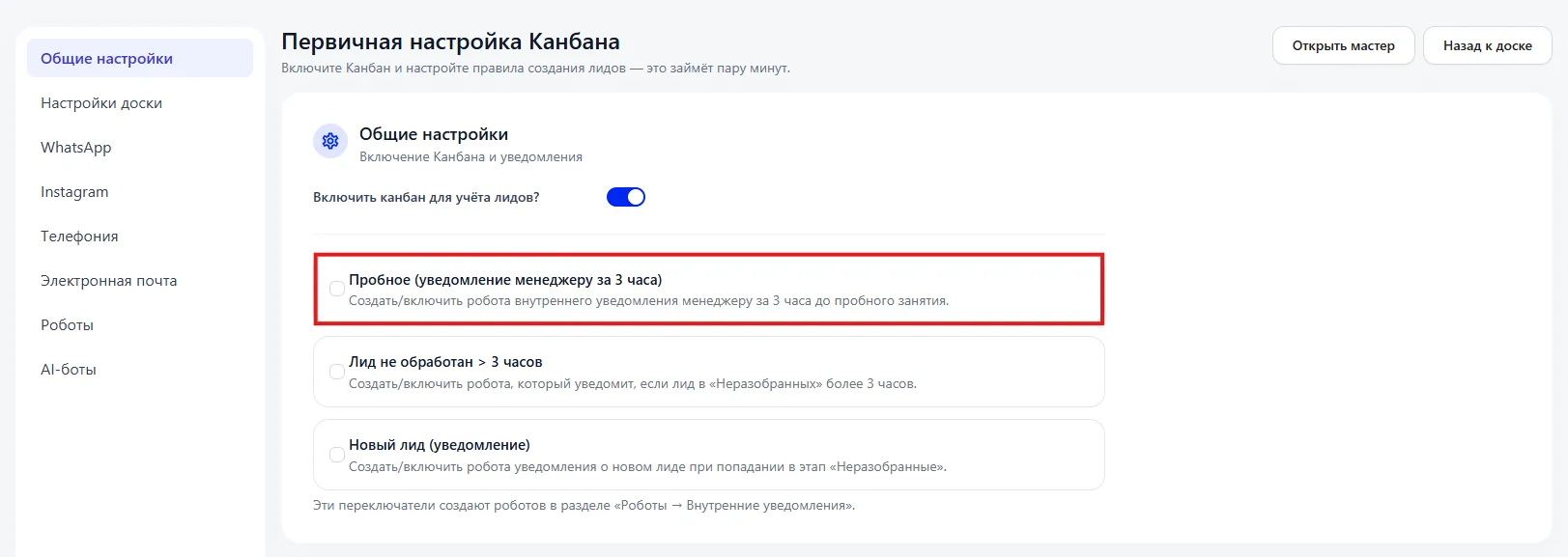
After enabling:
- an automatic rule is created in the section "Robots → Internal notifications (Роботы → Внутренние уведомления)";
- the manager receives an advance reminder;
- the risk of forgotten trial Classes is reduced.
Suitable for quality control of client interactions.
Lead not processed > 3 hours
If you enable this item, a notification is created when a Lead remains in the stage "Unsorted (Неразобранные)" for more than 3 hours.
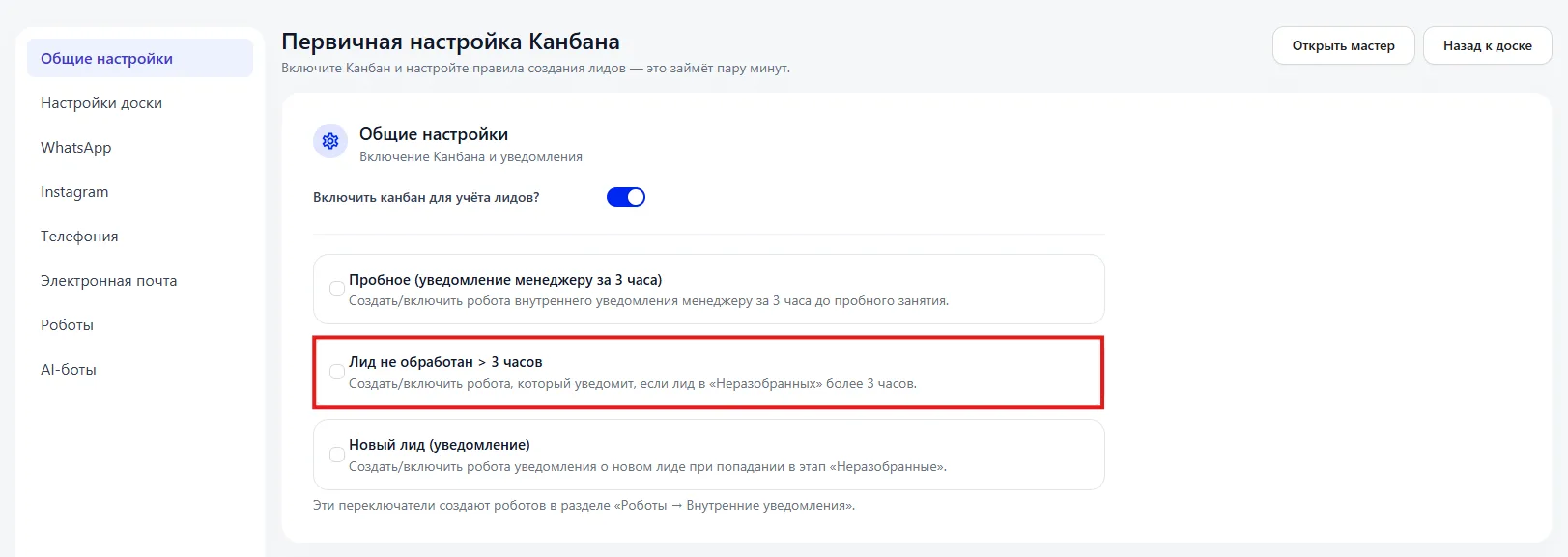
This helps to:
- not lose new inquiries;
- control the managers' response speed;
- maintain a high level of service.
New Lead (notification)
Creates a notification when a new Lead appears in the stage "Unsorted (Неразобранные)".
After enabling the manager receives a signal about the new inquiry.
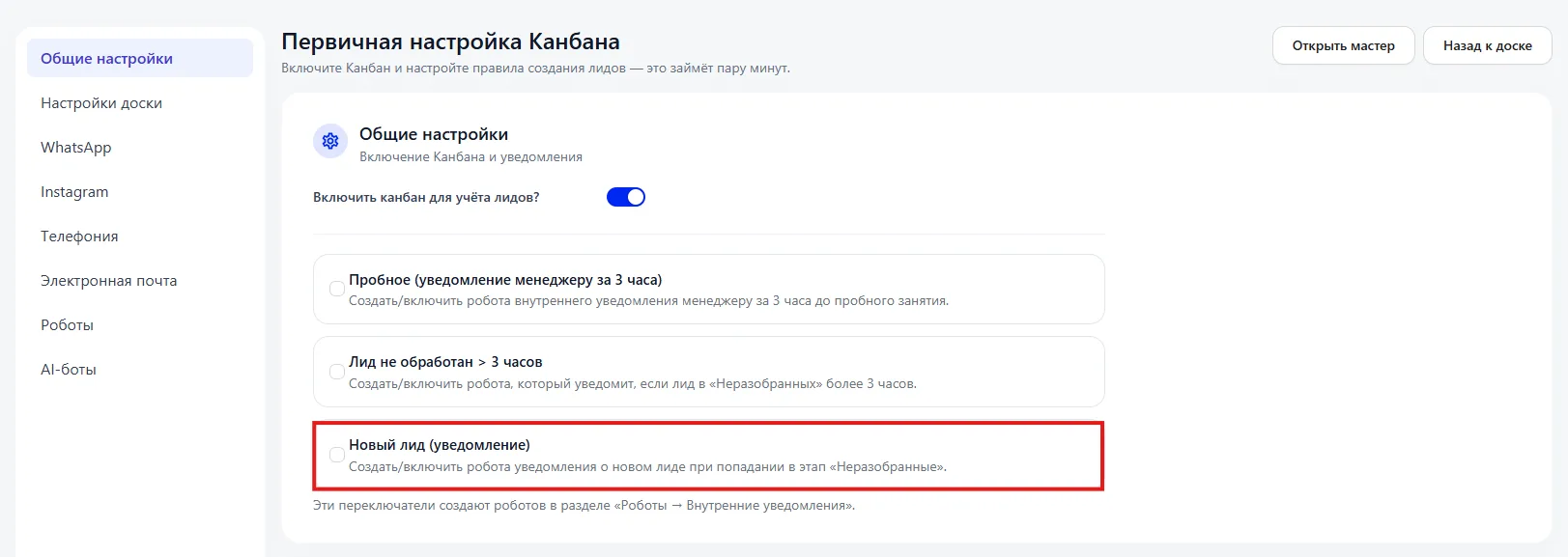
Important to consider:
- These toggles automatically create robots in the section "Robots → Internal notifications (Роботы → Внутренние уведомления)". If necessary, the rules can be further edited there.
3. Lead creation
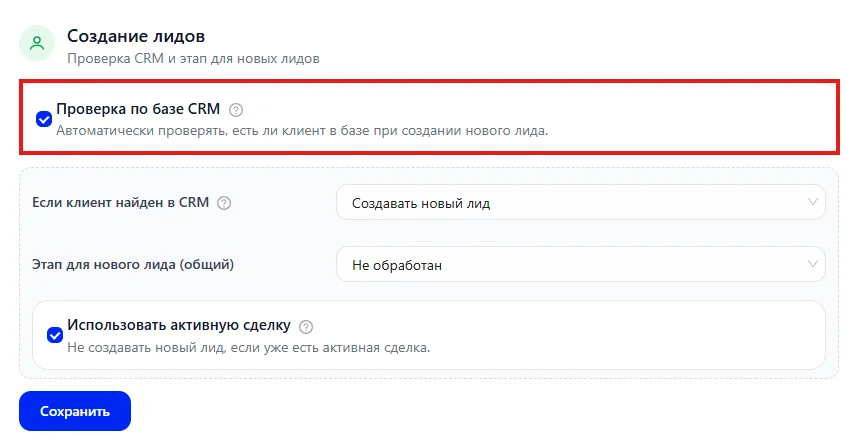
If the client is found in the CRM
The dropdown allows you to select the system's behavior.
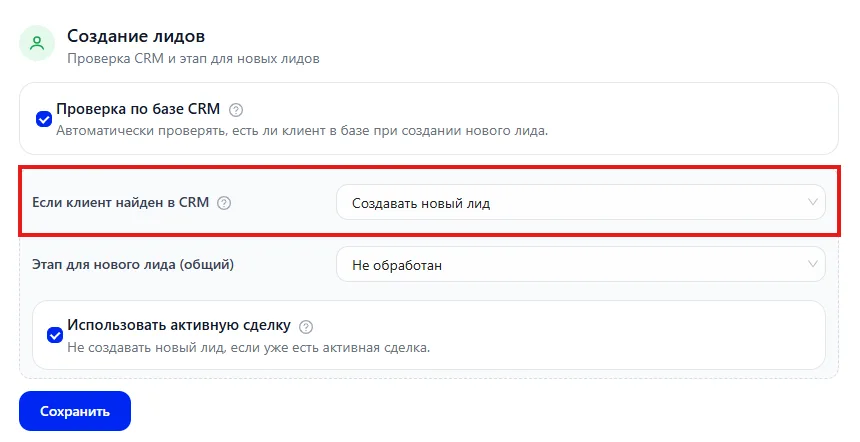
For example:
- Create a new Lead — a new deal is always created.
- Alternative option (if another is selected) — you can work with the existing card.
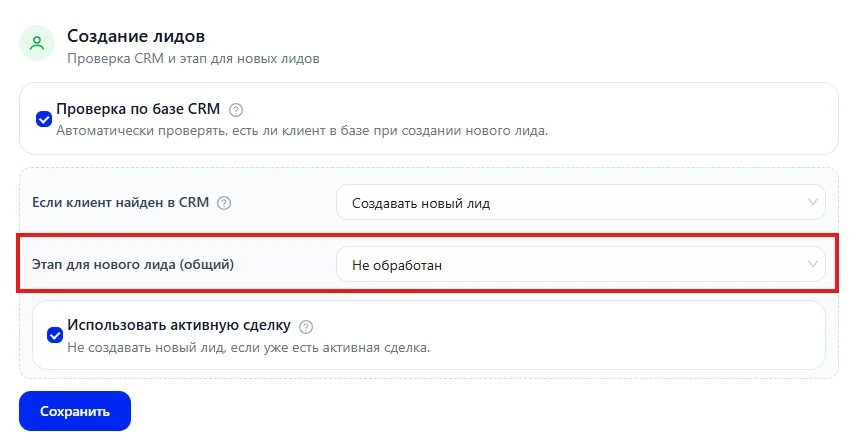
- proper functioning of notifications,
- analytics,
- control of processing speed.
- Changing the stage for new Leads affects all future inquiries.
- Disabling the database check may increase the number of duplicates.
- Notification robots are created automatically and are displayed in the section "Robots (Роботы)".
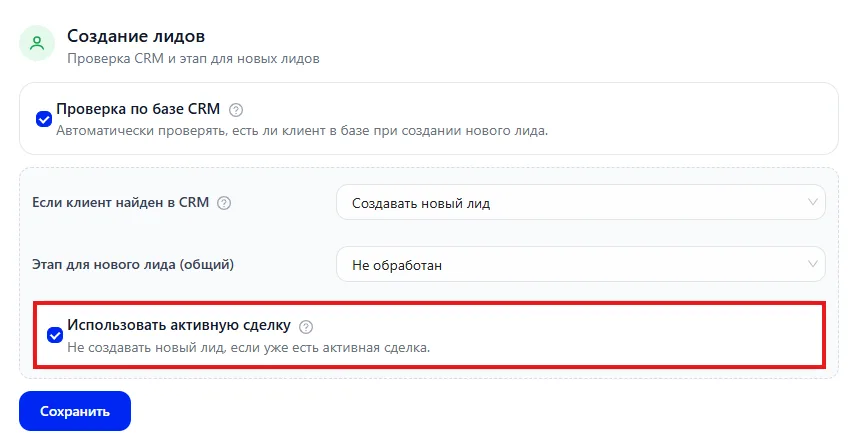
- Using an active deal prevents the creation of parallel deals for the same client.