This section displays detailed information about the class and provides tools for managing participants, Memberships, Schedule, and held Classes.
Main sections:
- Class card
- Class tabs
1. Class card
The class card opens when you click the class name in the table.
The top of the page displays:
- class name;
- number of enrolled Students;
- button to edit the class name.
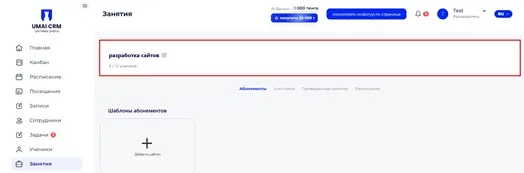
Below are the tabs through which the class is managed.
2. Class tabs
In the class card the information is divided into several tabs.
Through them you can manage different aspects of the class: configure Memberships, view the list of Participants (Участники), track held Classes (Проведенные занятия) and work with the Schedule.
The following tabs are available:
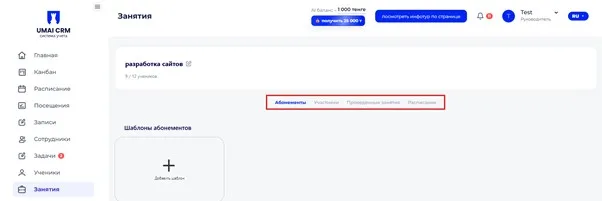
Each tab contains separate information about the class operations.